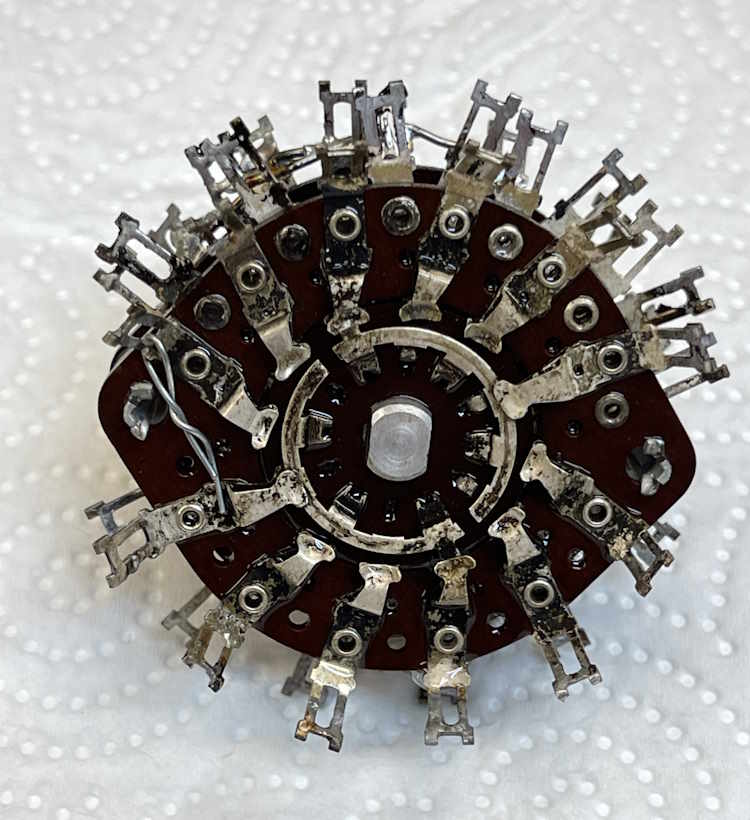
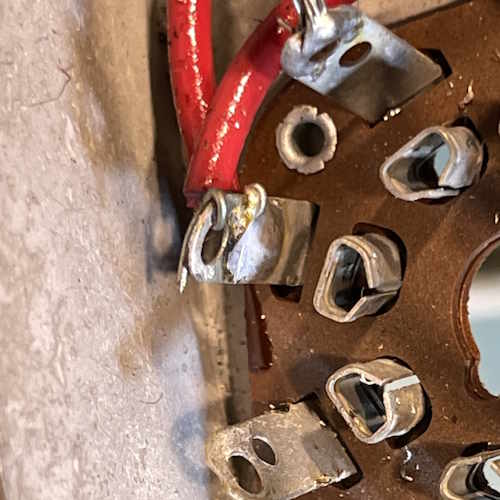
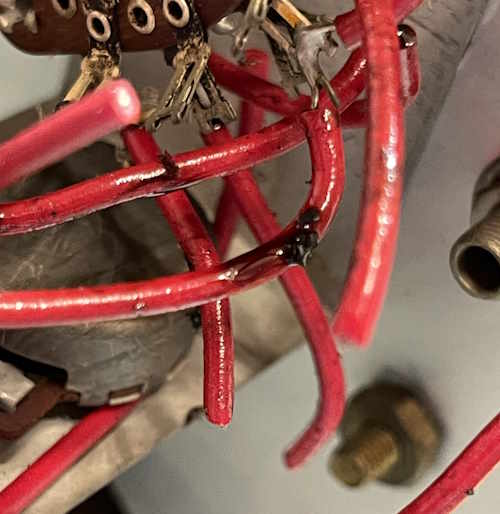
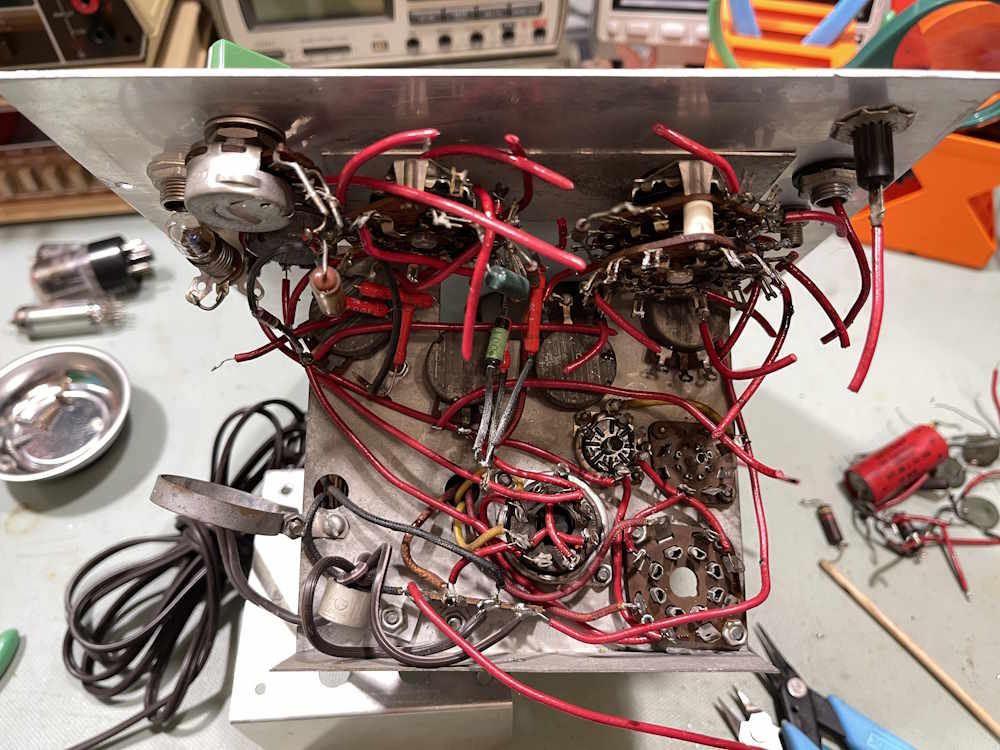
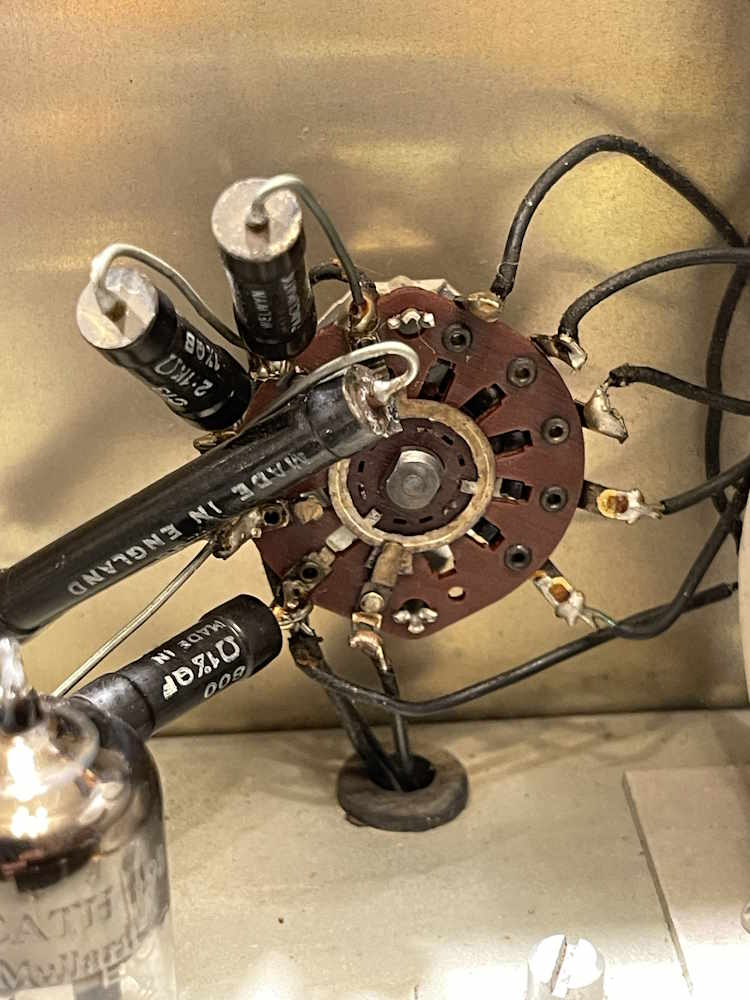
This device is a complete mess, and everything needs to go. Since it’s all coming out, let’s pull the function switch and clean it. I started with a good deoxit dousing, and then a gentle brushing to loosen some of the crap. Then, into the bath it goes!
It came out decent enough.
After cleaning, it was sprayed with alcohol to displace the water, allowed to dry, then re-coated with cleaner and grease for the detents.
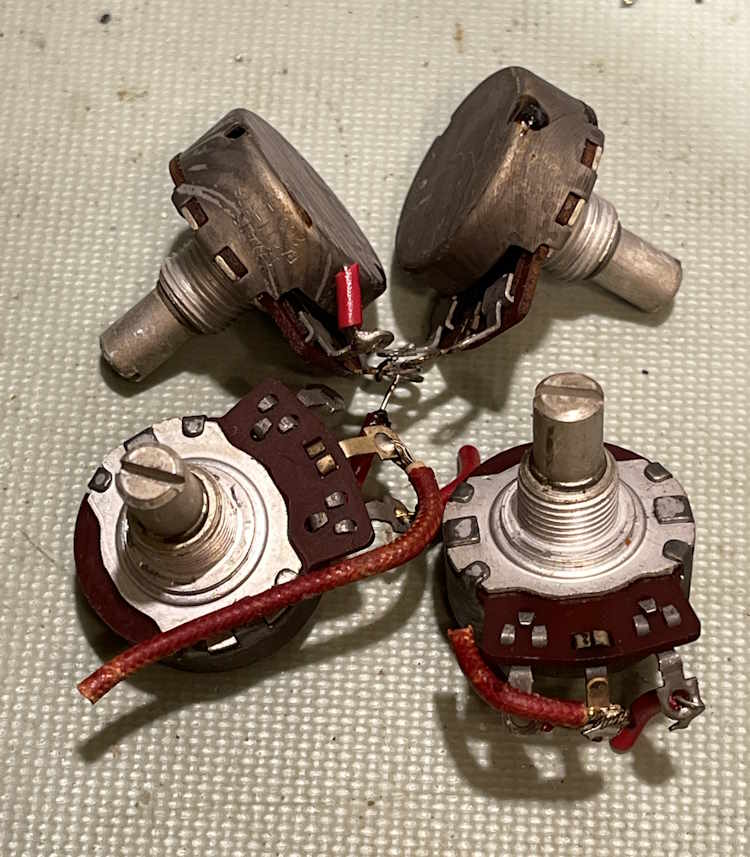
Next thing to do was pull the other pots.
These were just bad. I cleaned them and they still were difficult to turn - one was simply locked up.
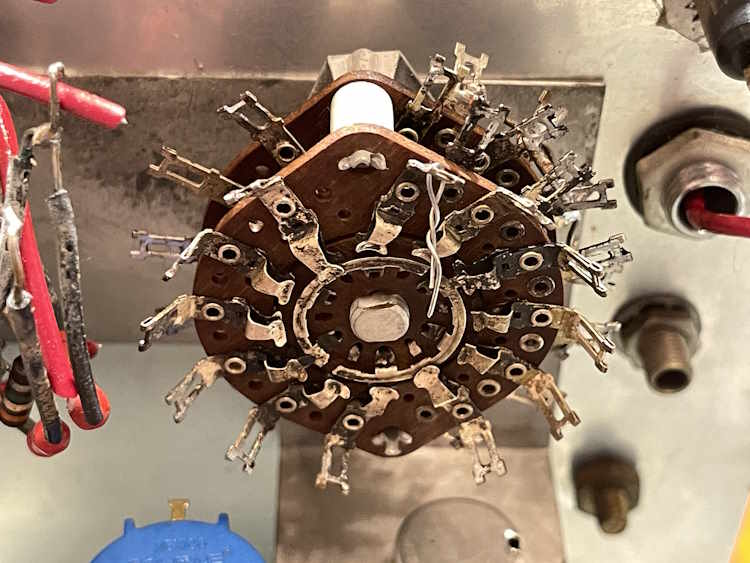
The switch was reinstalled:
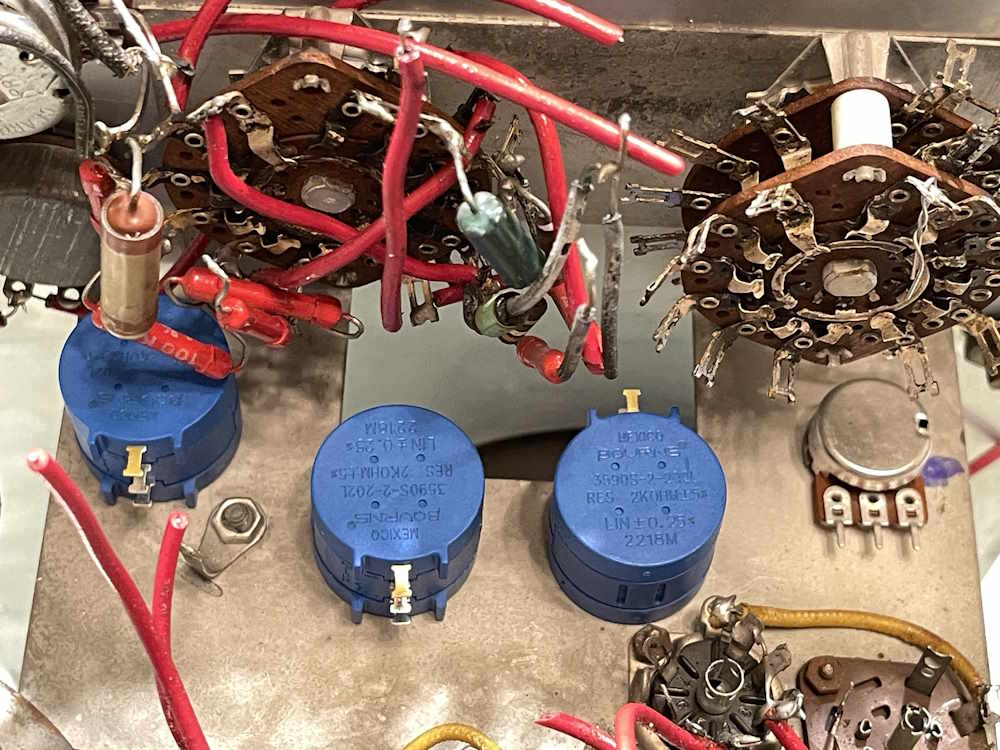
New pots were installed in the chassis. One is a 2MΩ pot, for some reason. The rest are “Those are totally real Bourns, Bro!” pots.
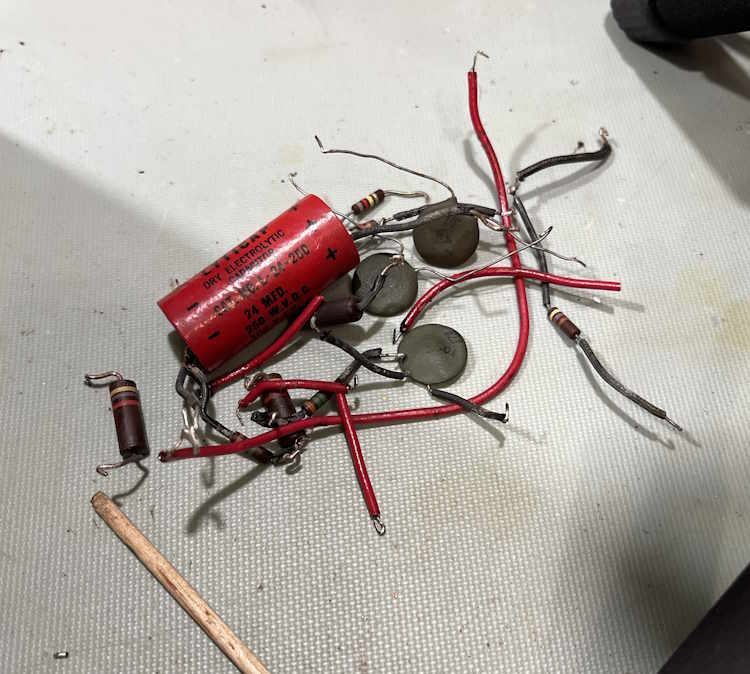
And, of course, just removing more of the snot-covered wire from the chassis.
Next up is the range switch, the pots on the face, and the rest of the wire. Stay tuned!
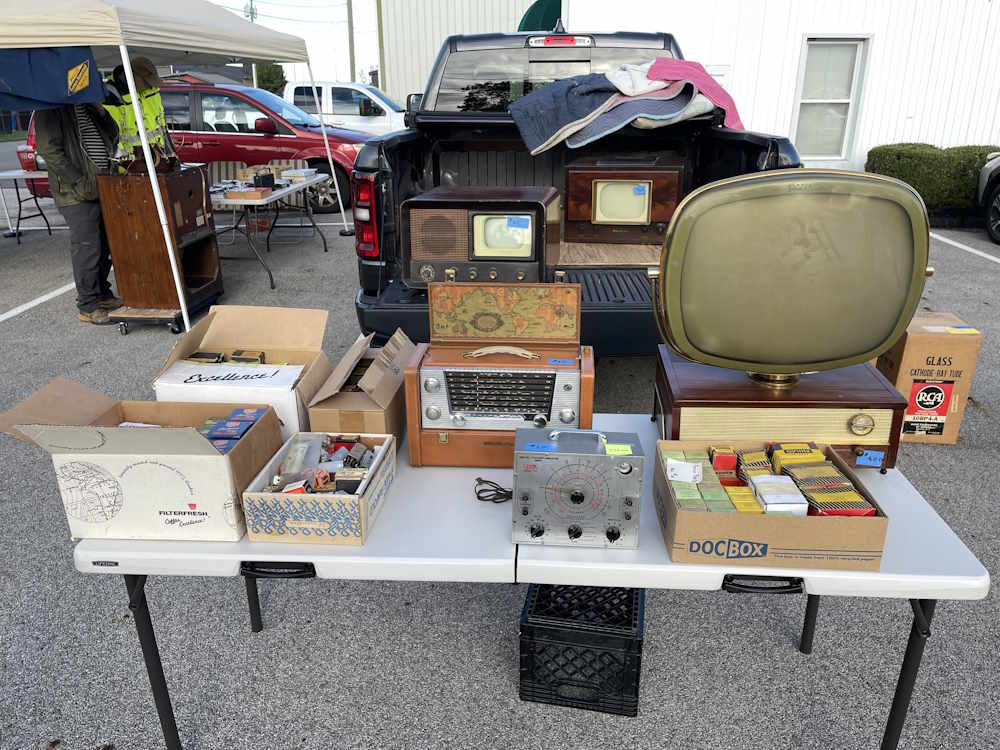
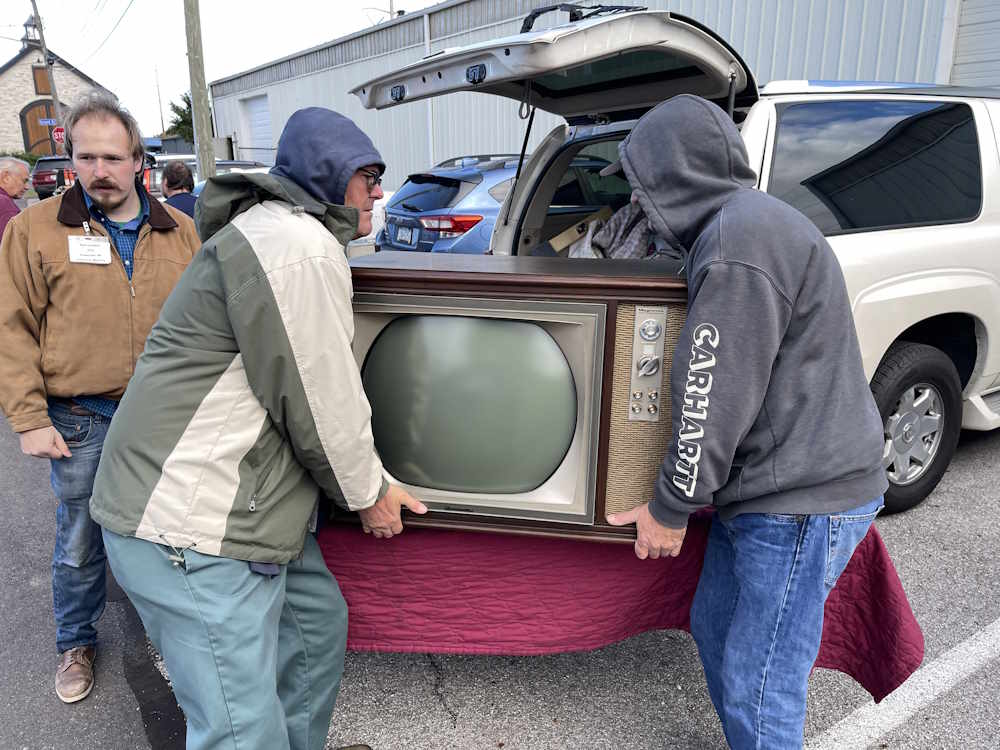
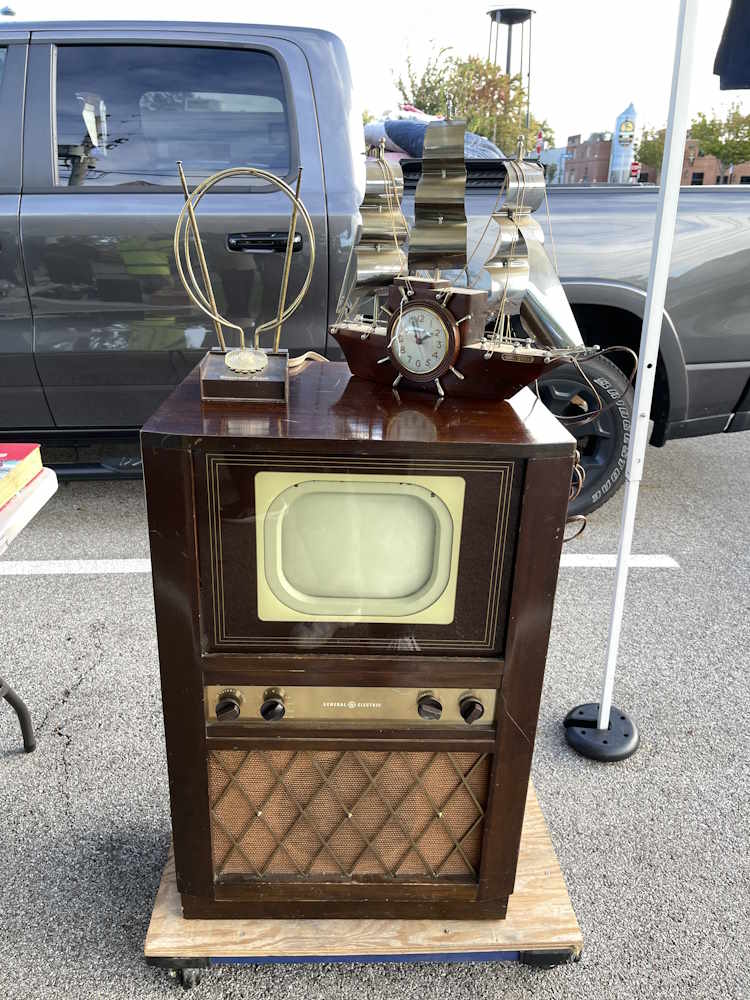
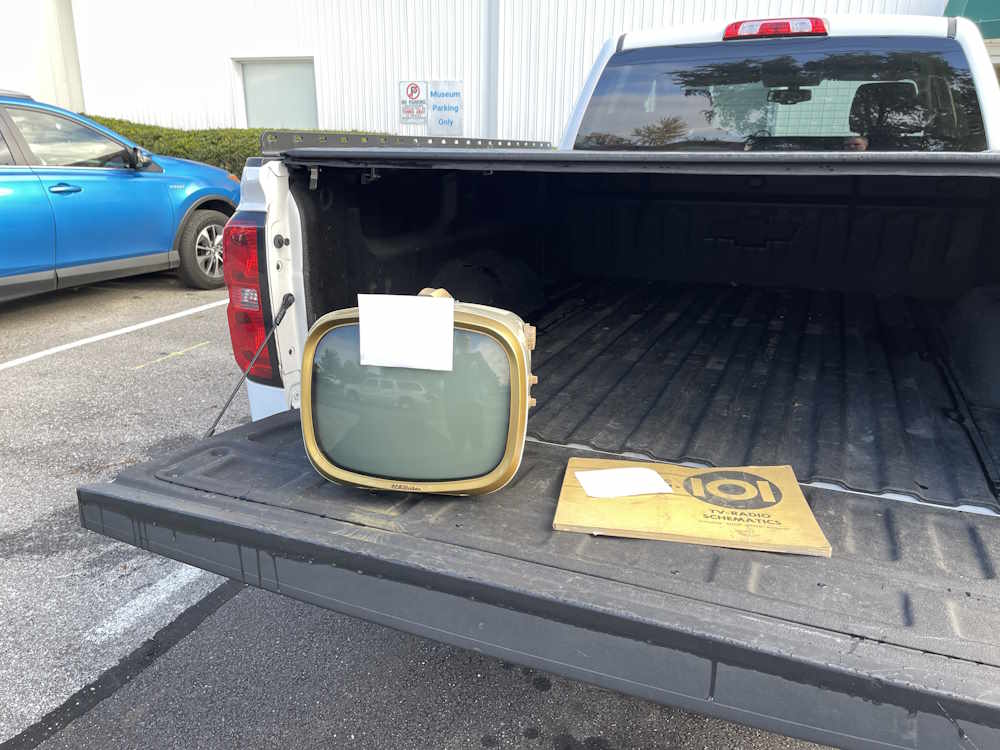
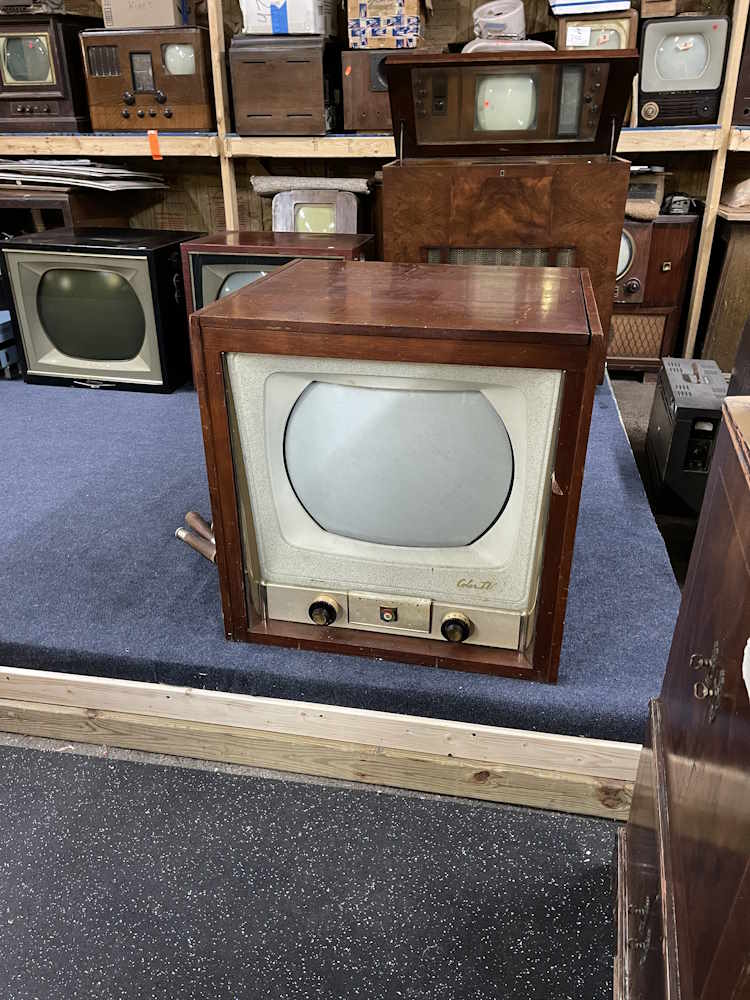
The annual fall swap meet and auction happened at the Early Television Museum in Hilliard, Ohio over the past weekend (October 17th.) This isn’t a hamfest, but it is a high-quality, small show where television collectors from all over come to chat and pick up new pieces. I saw trucks from Alaska here, if that says anything.
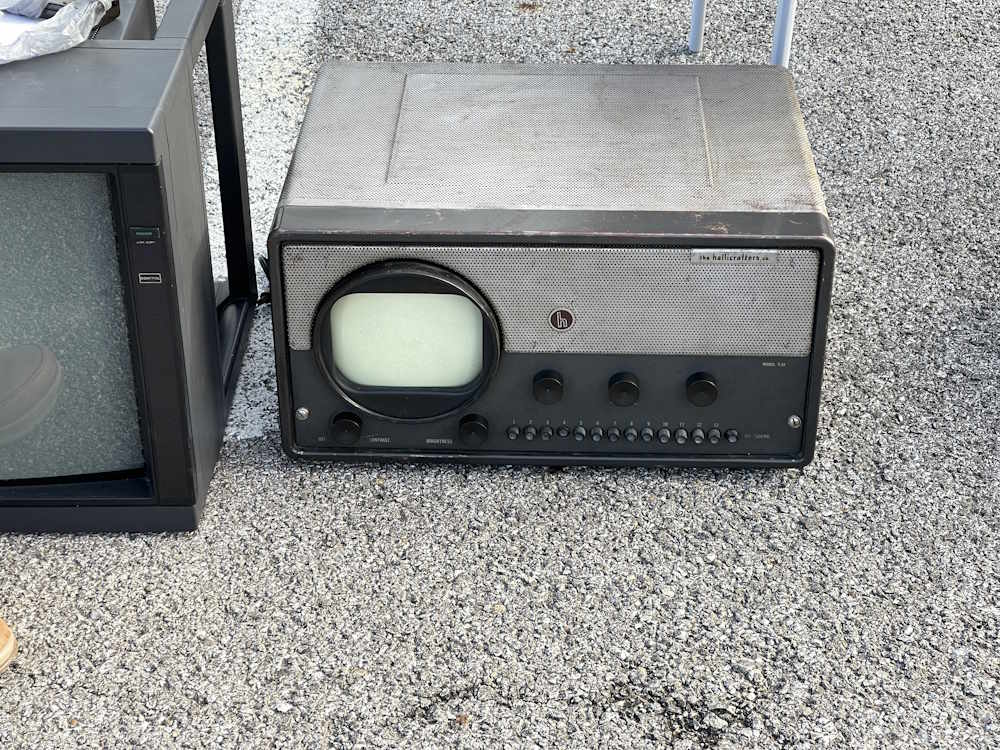
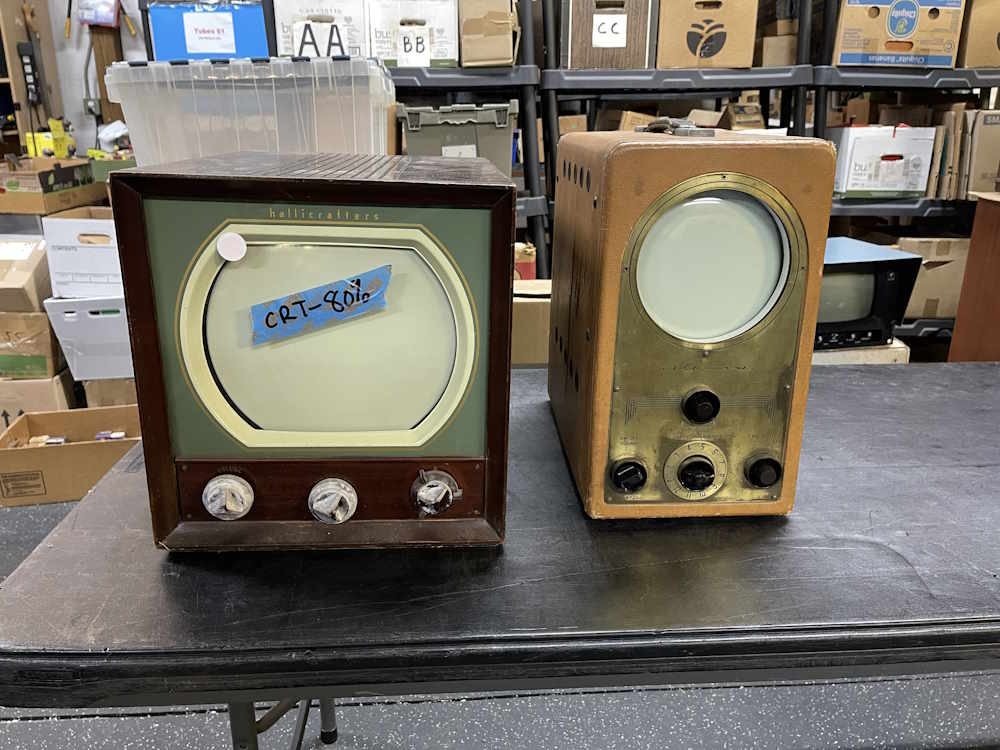
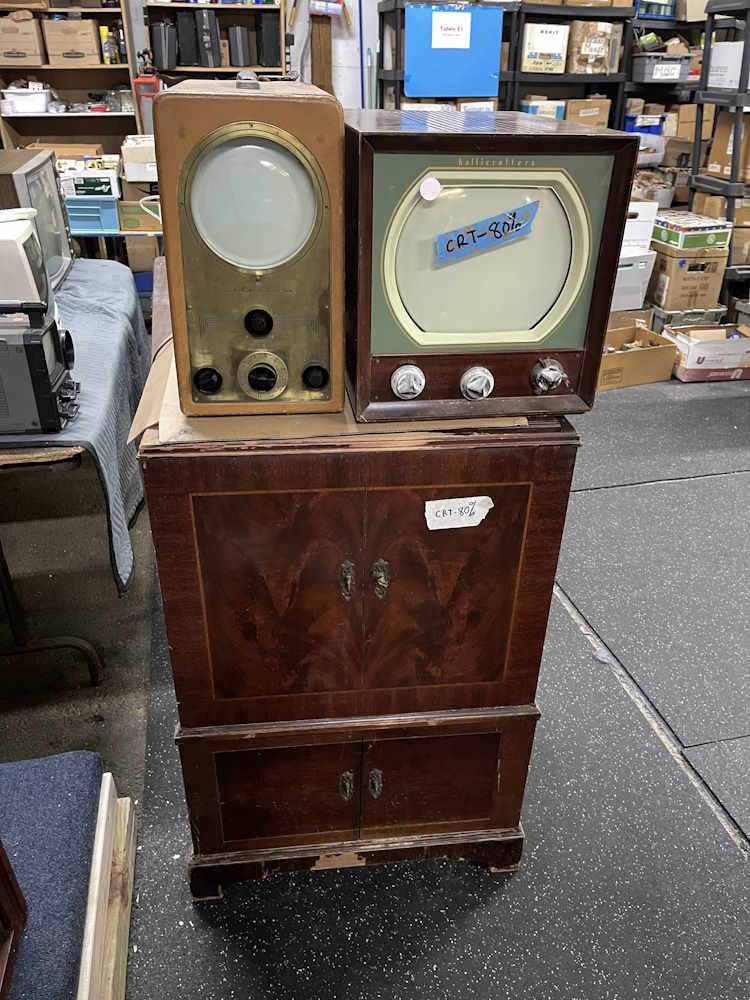
I took a few small things home, but for the most part what’s here is eye candy for me. I almost took an Hallicrafters electrostatic set home…almost. What would I do with it? Fortunately, a collector picked it up first.
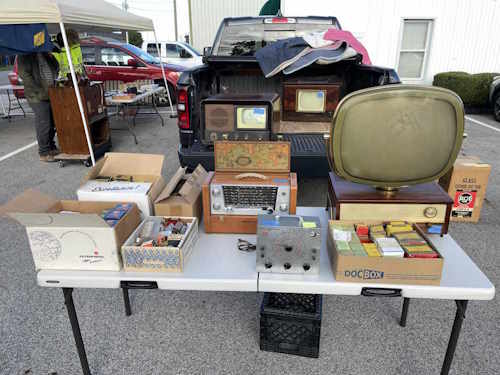
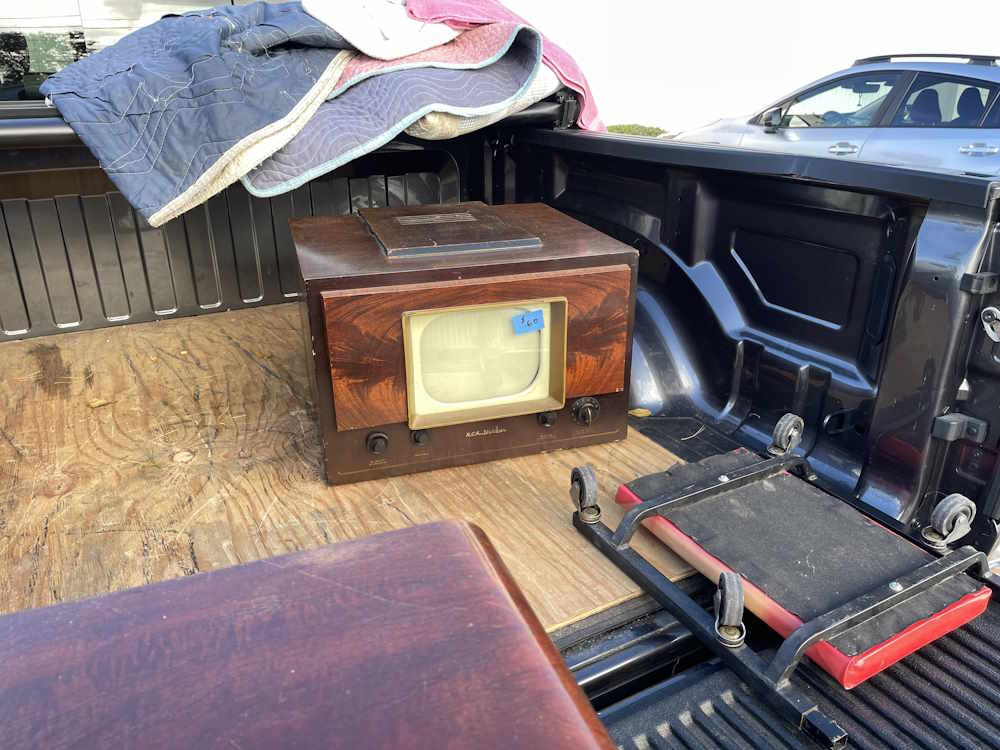
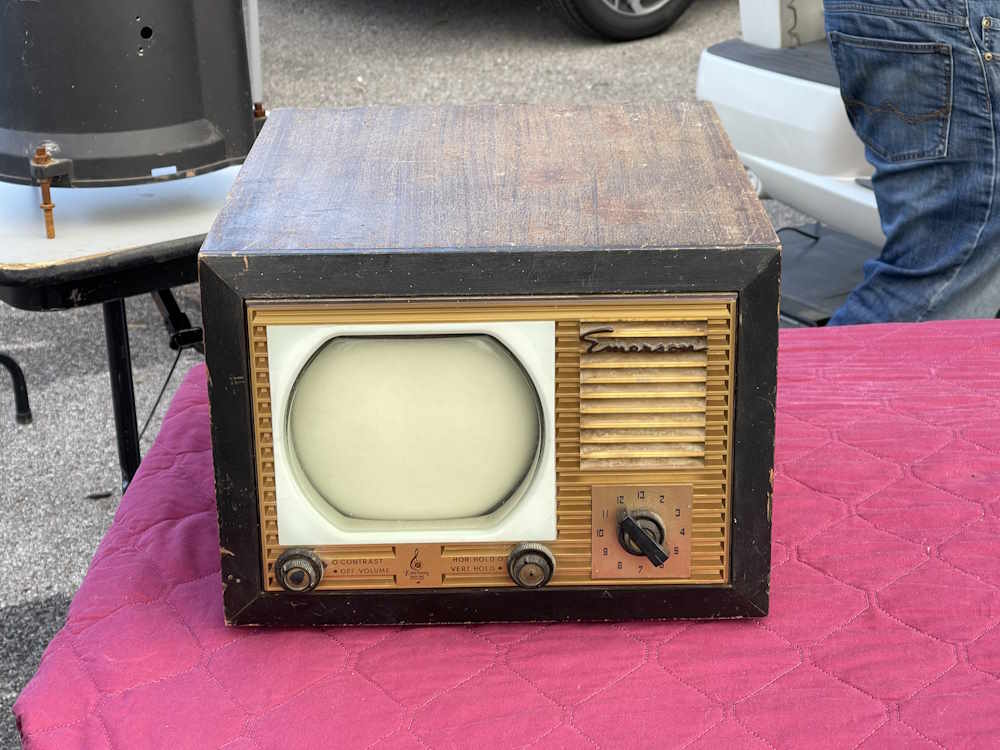
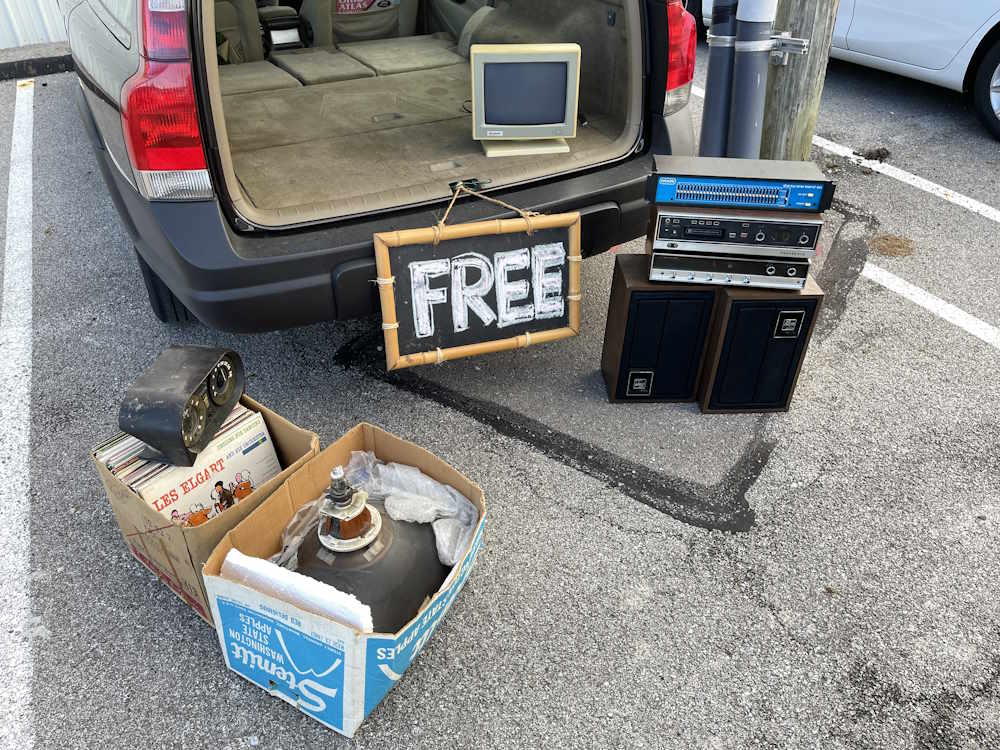
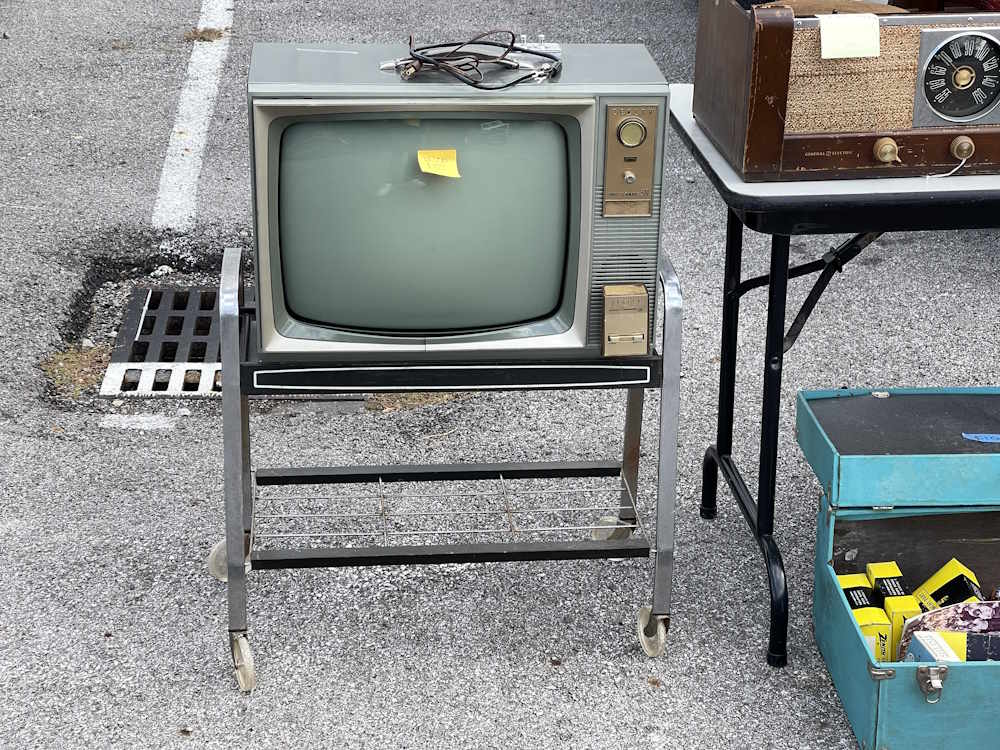
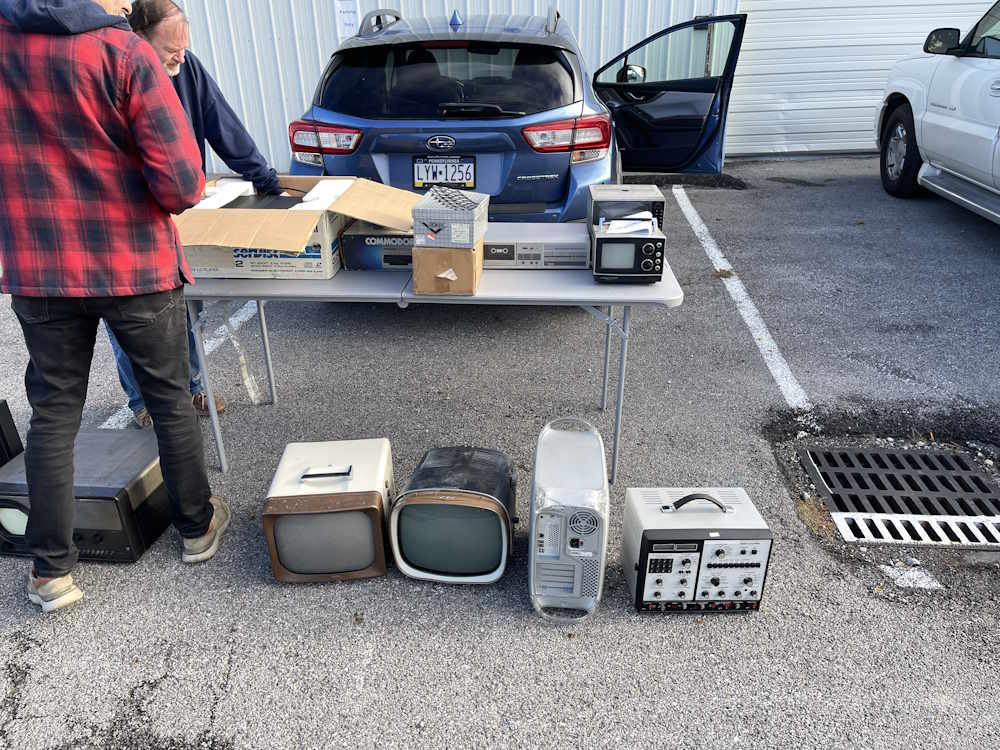
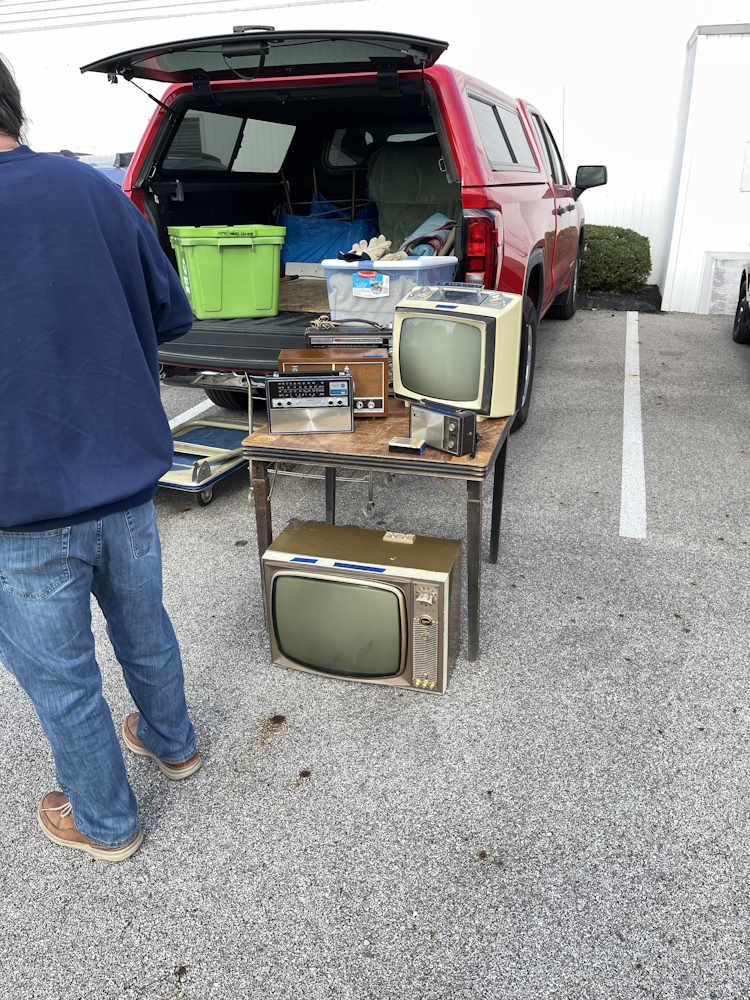
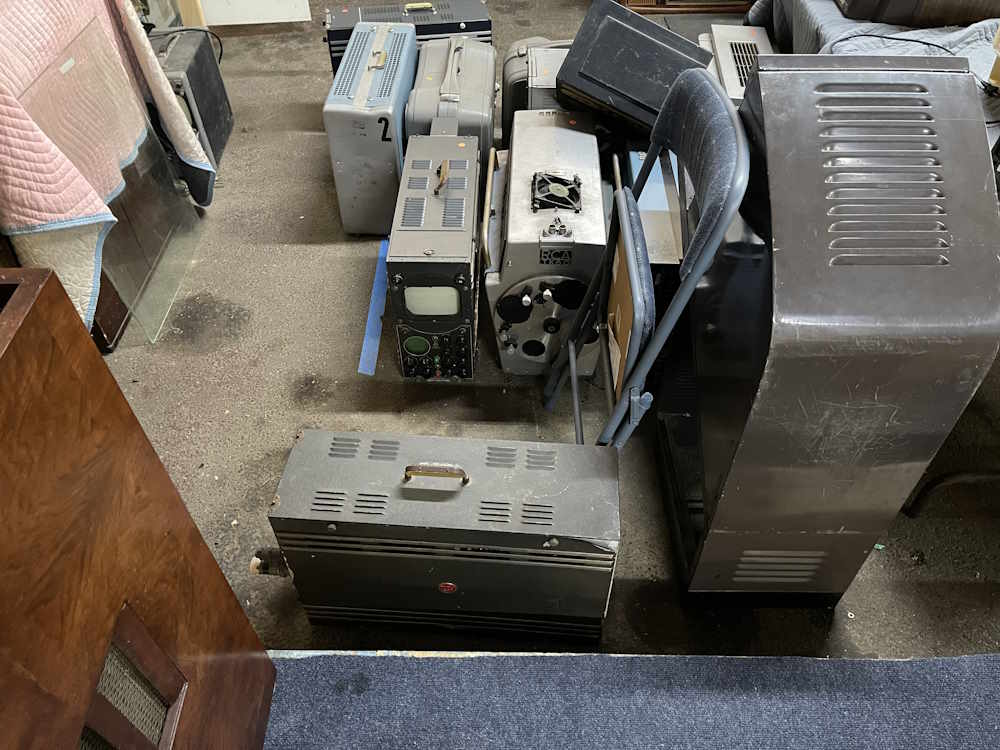
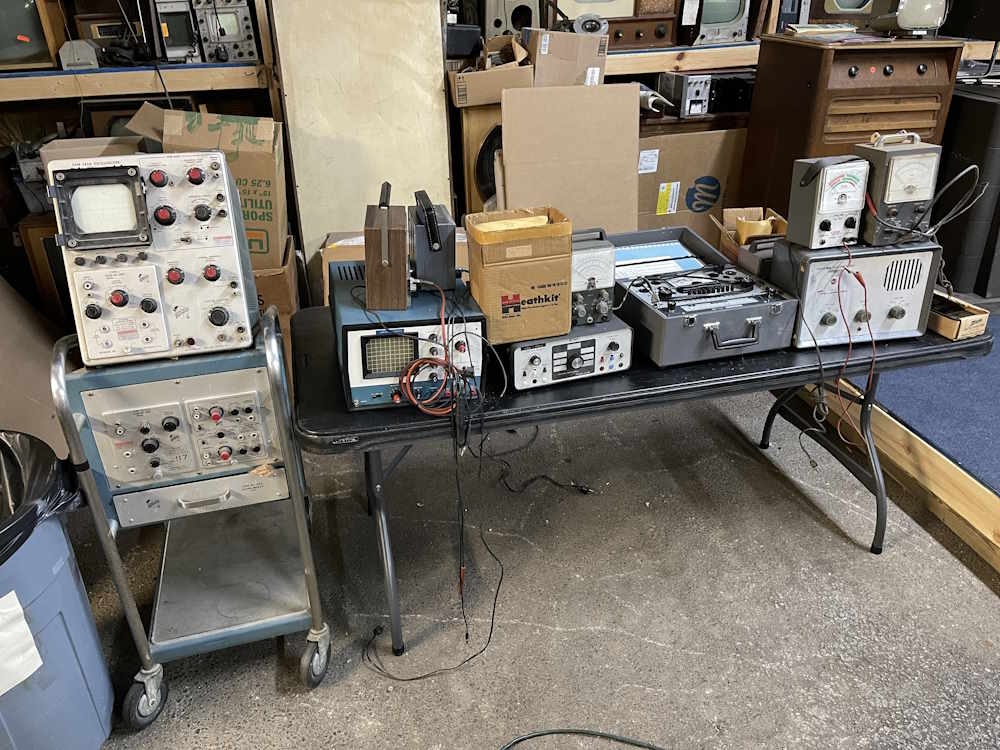
Here’s what I saw in the outdoor swap section. This was all vendors coming in - it’s free to set up and attend.
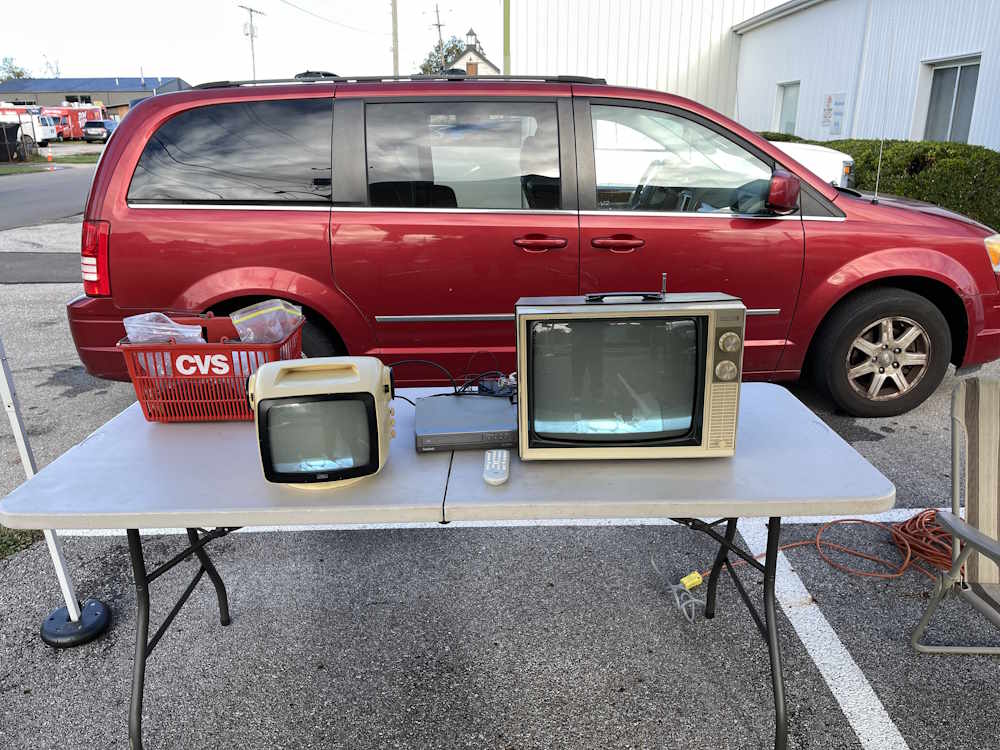
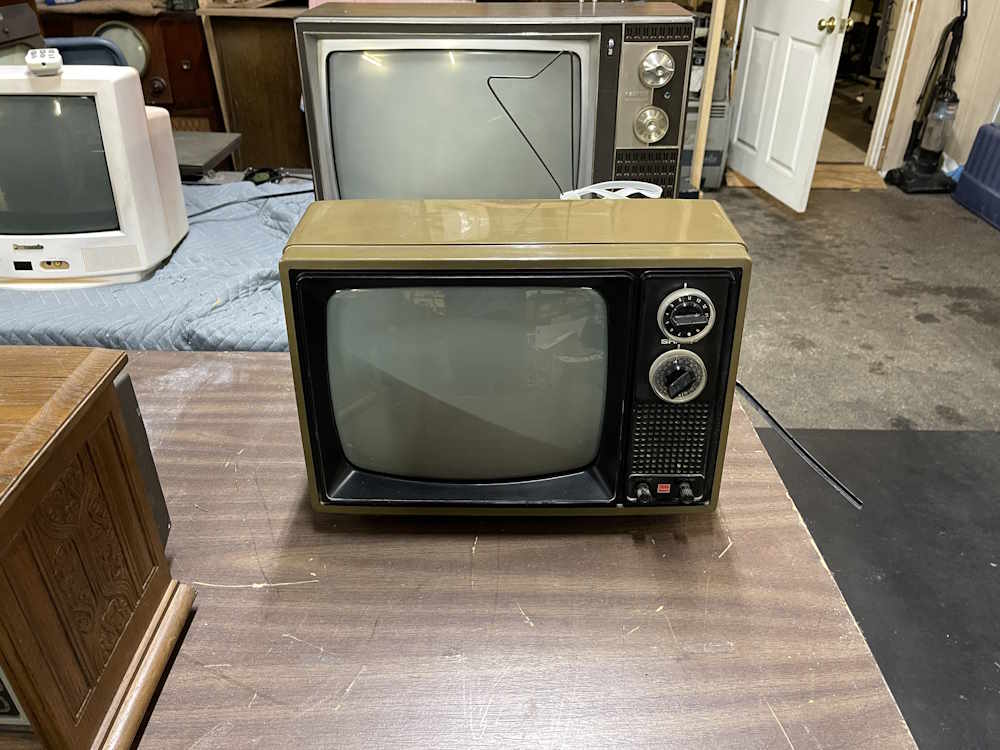
Some B&W televisions blanking in the light.
Electrostatic Television.
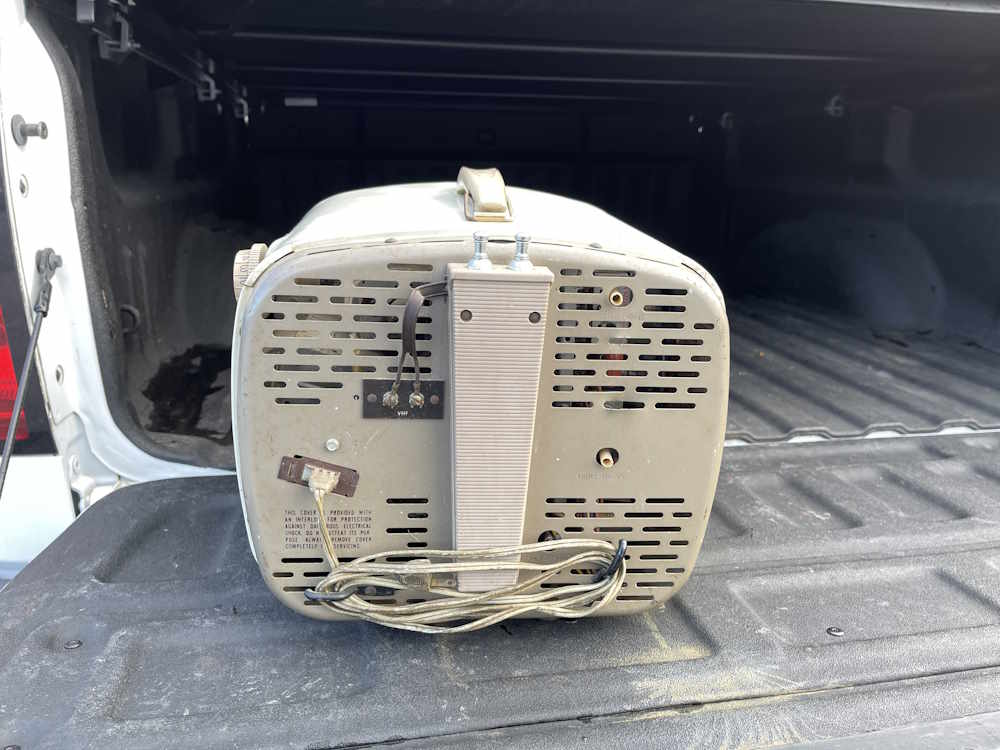
More Electrostatic Television.
Emerson Television.
It's free!
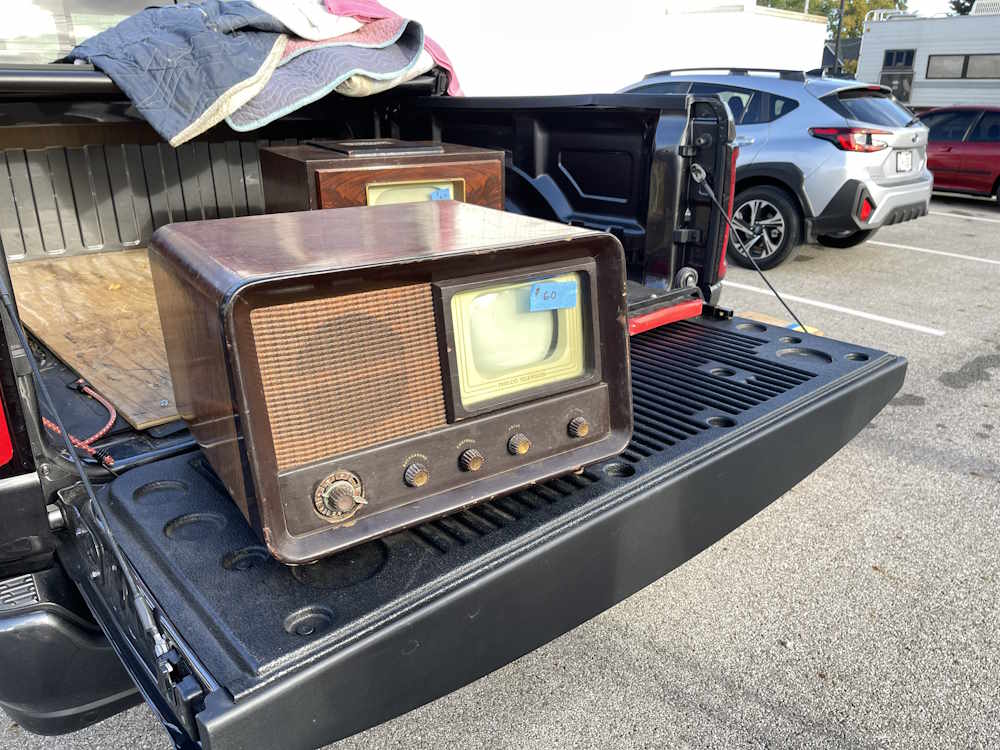
Just like gramma had in the spare room.
It almost went home with me.
It's unusual to find these intact.
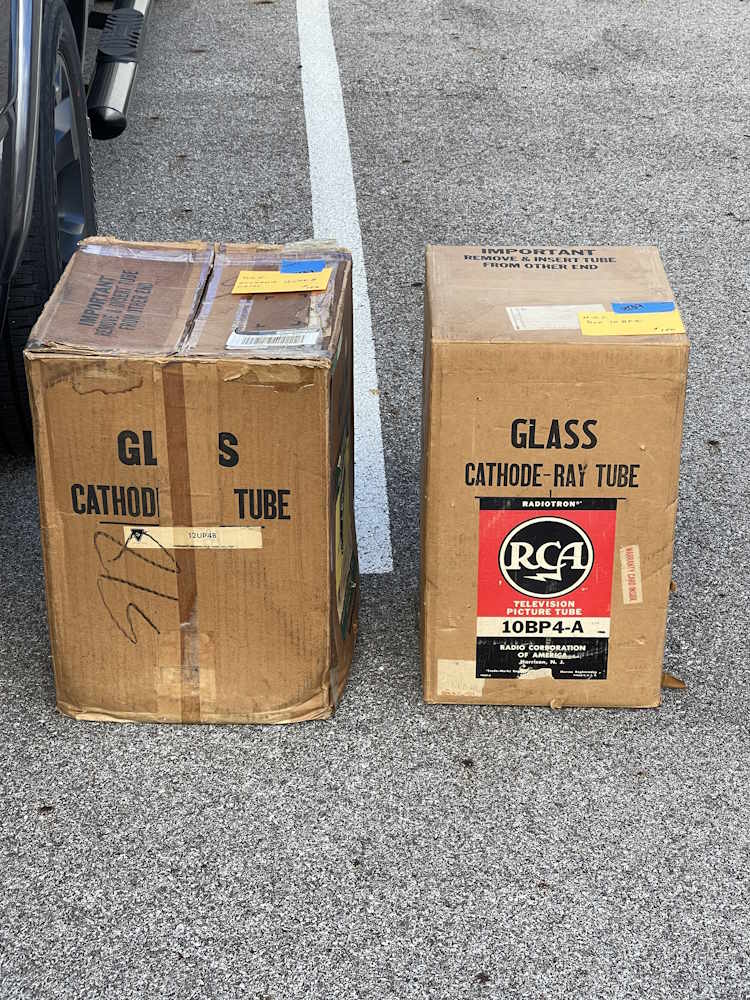
New CRTs, still in the box.
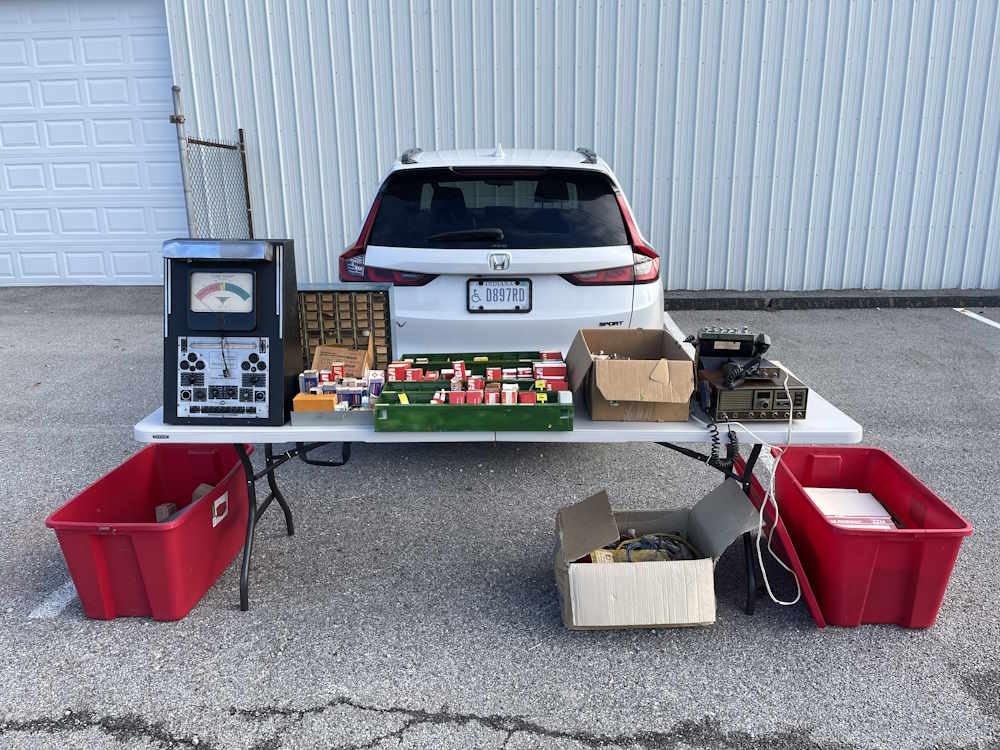
Parts is parts.
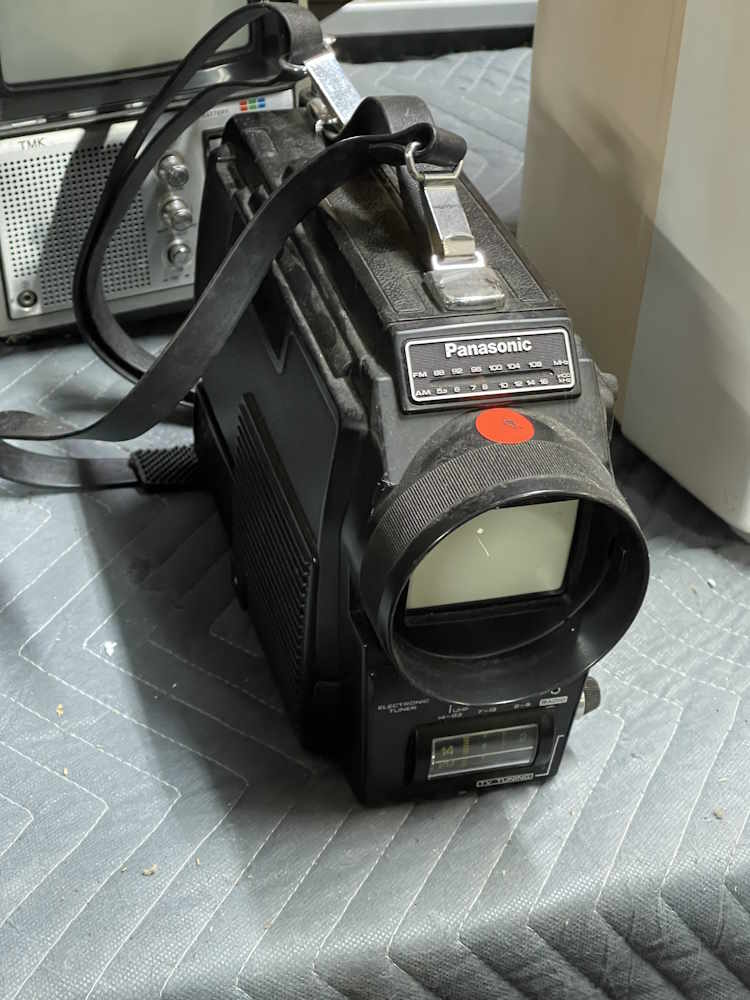
Can you smell the decaying plastic?
A floor model for your tabletop.
Every television needs a clippership.
A shango special.
Just a bunch of sets.
Surprise, more televisions!
I like the lamp at the top.
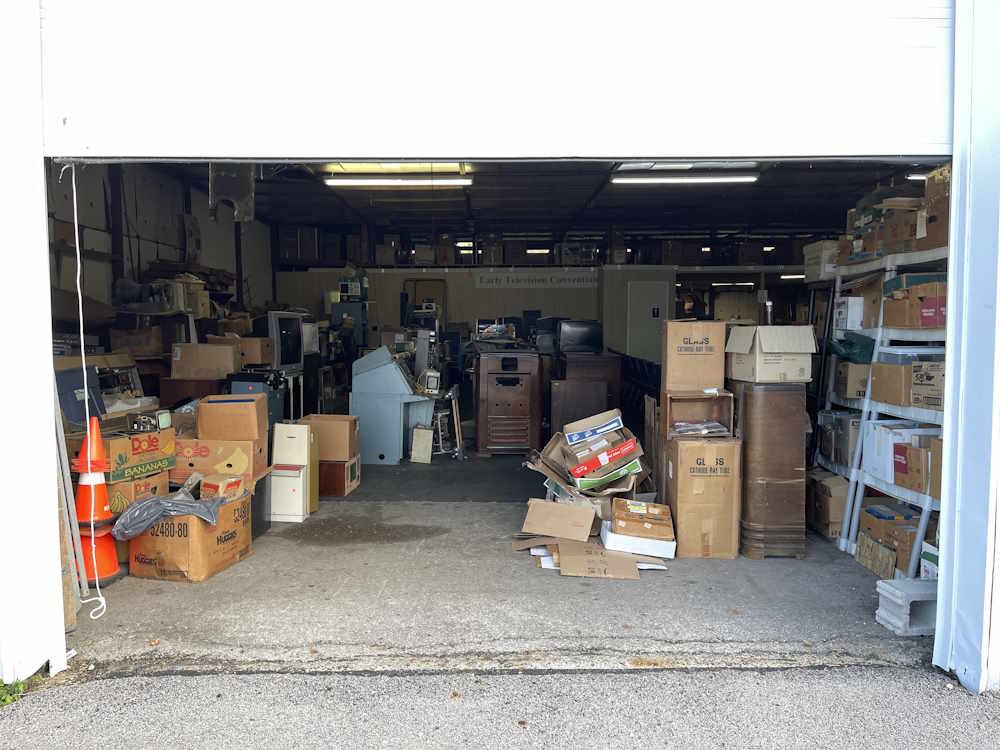
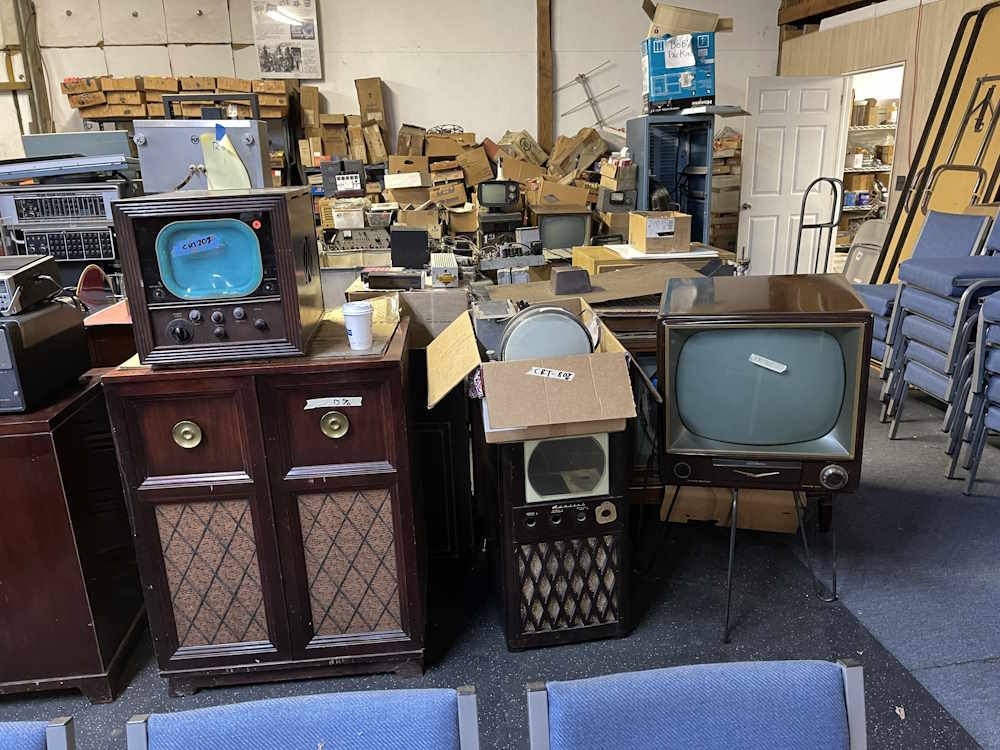
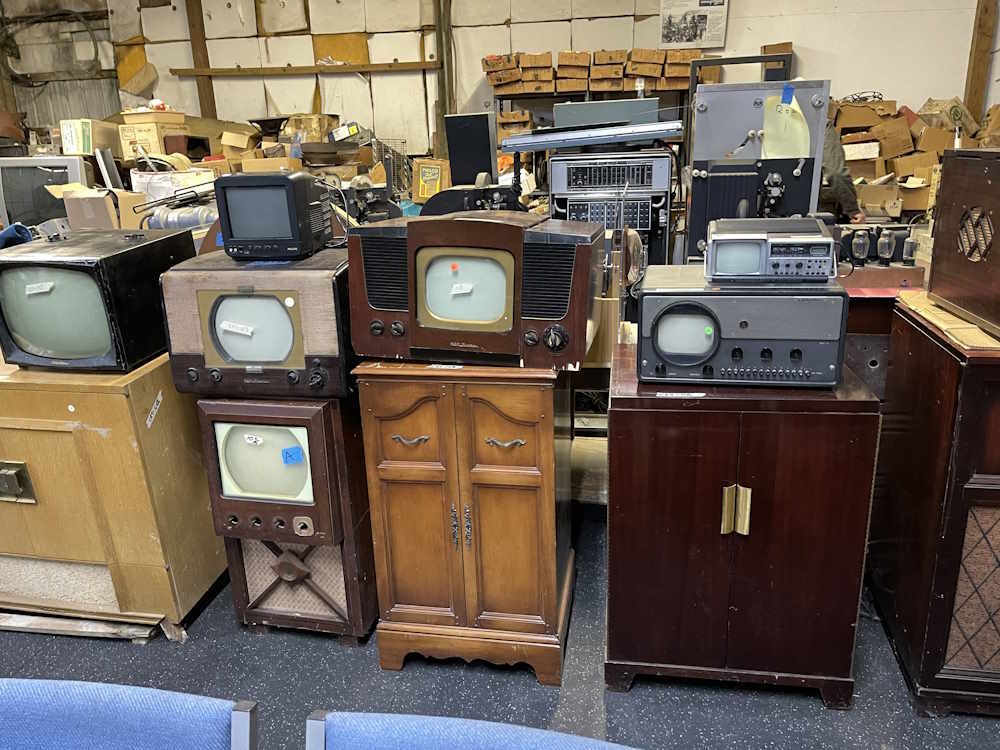
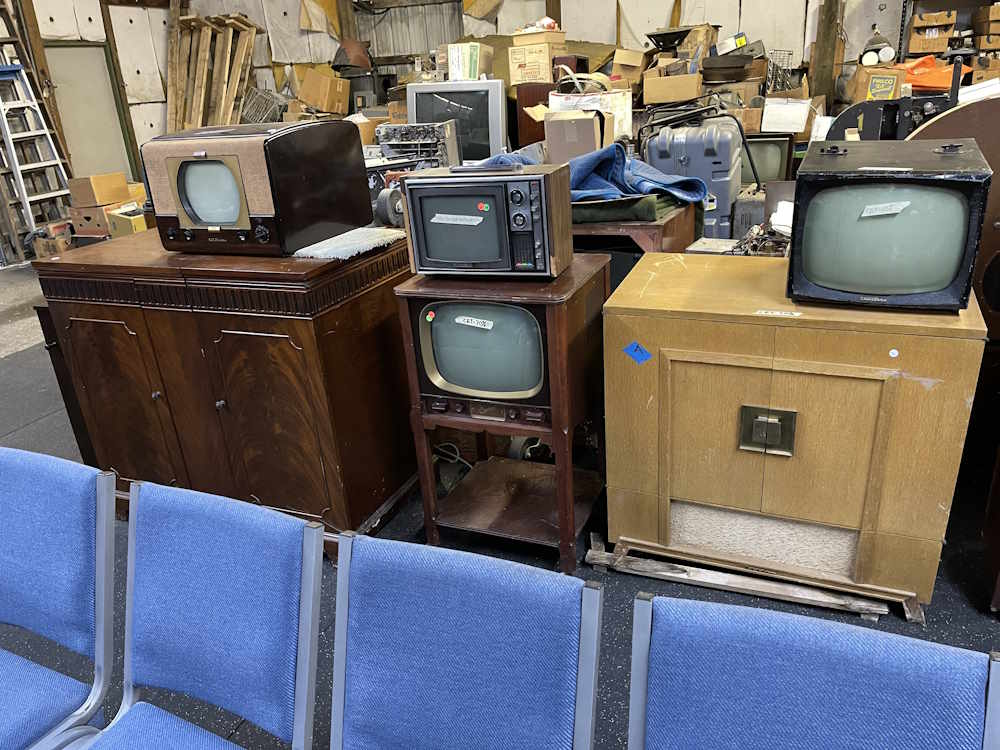
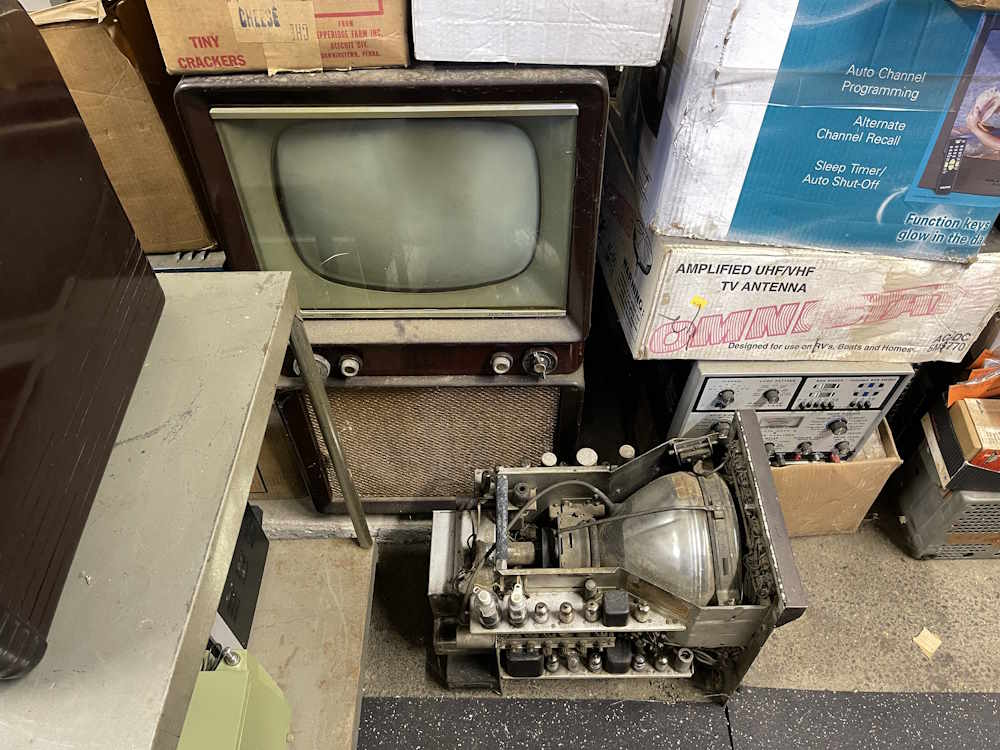
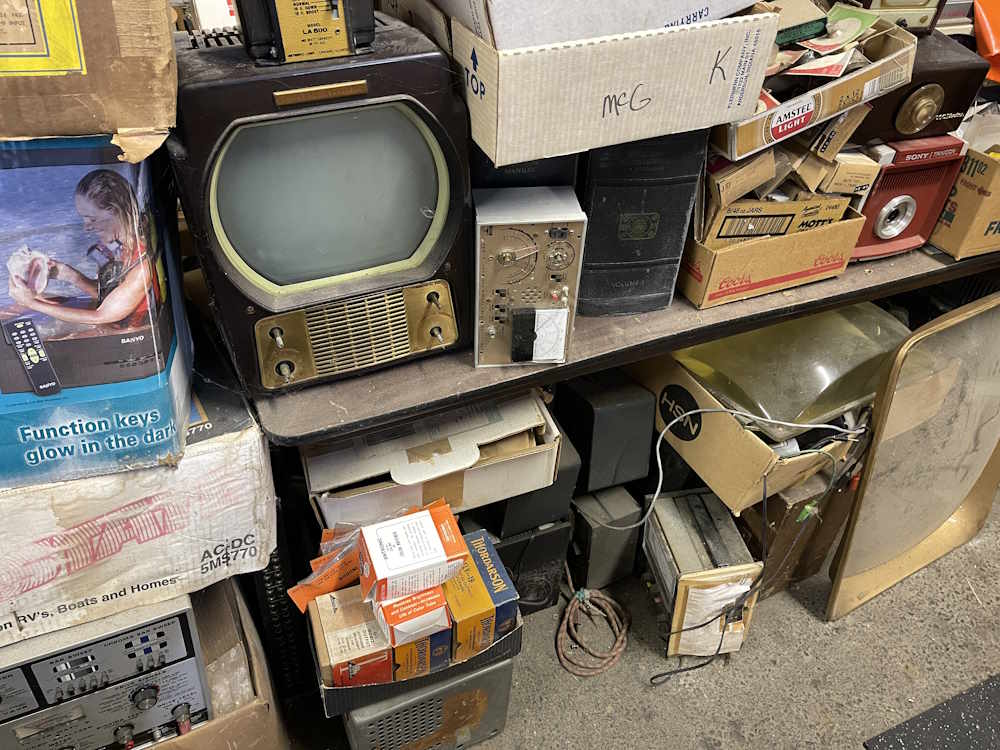
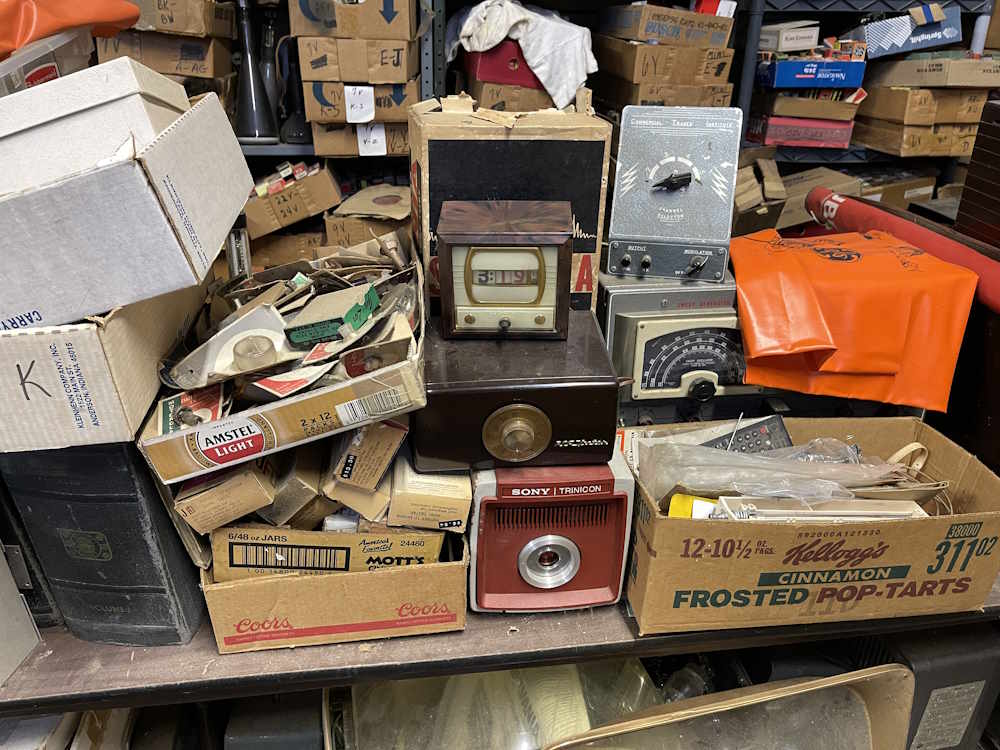
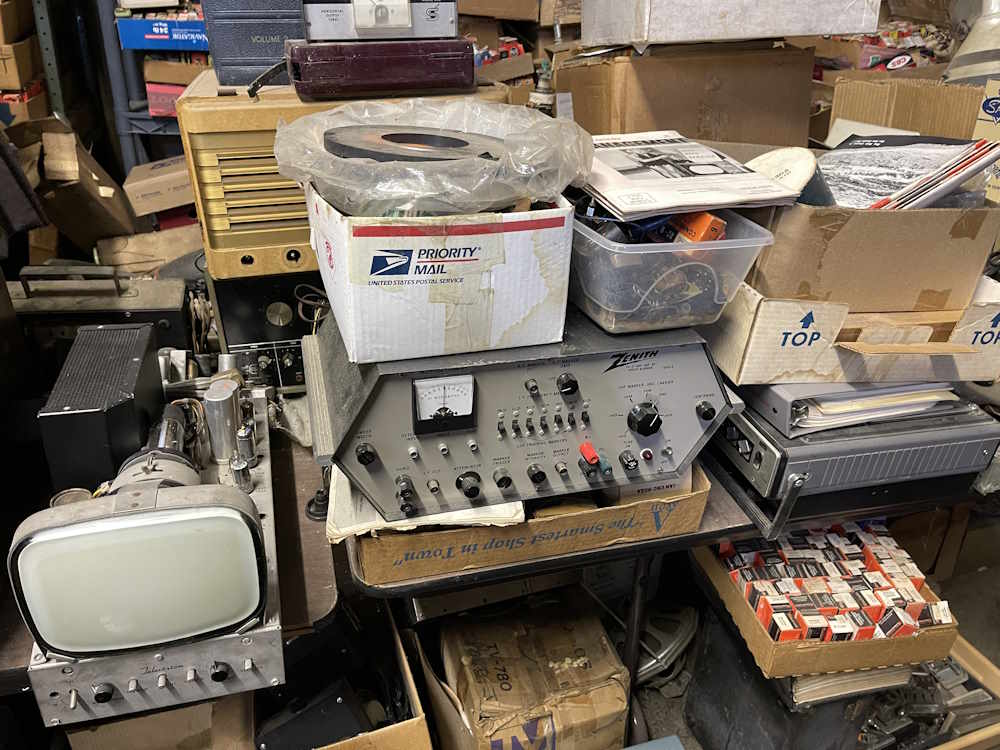
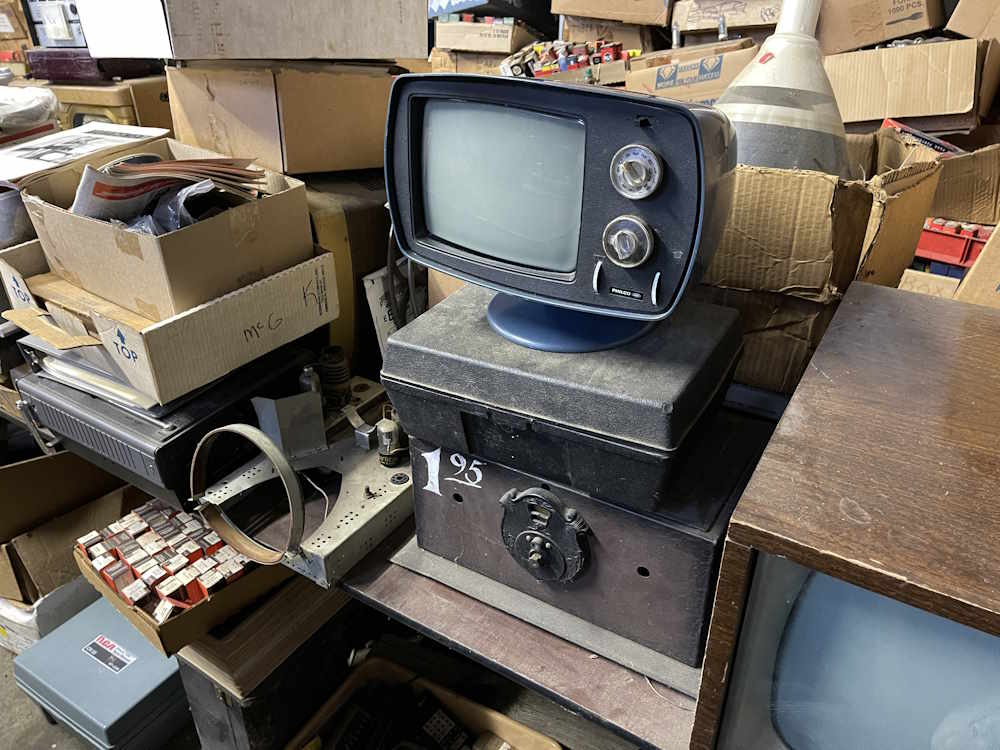
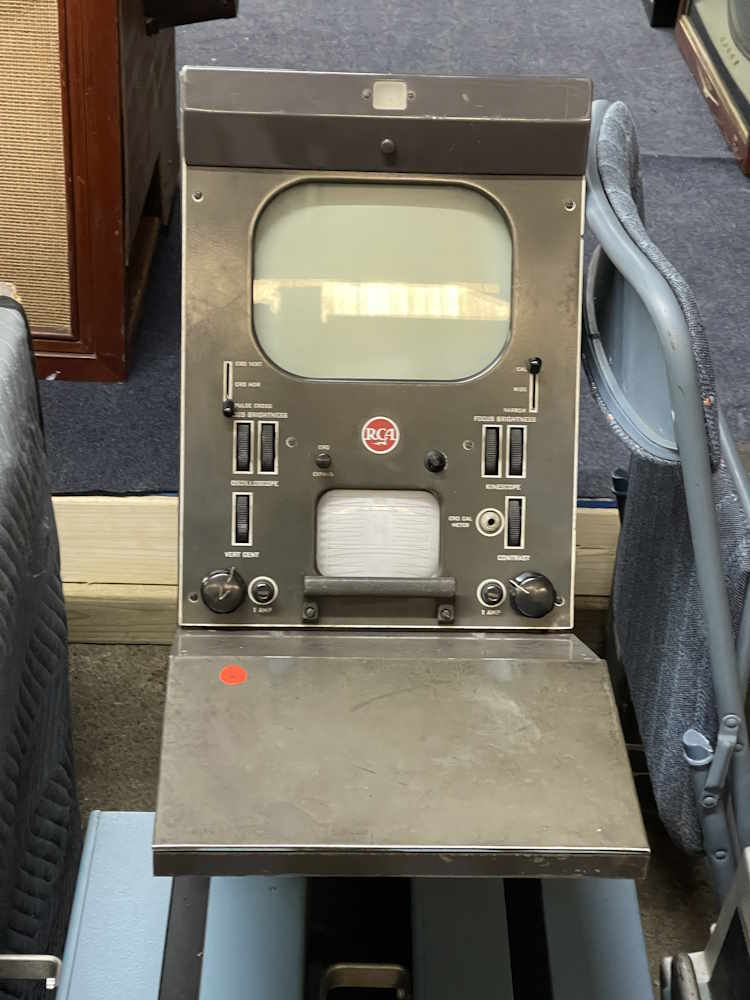
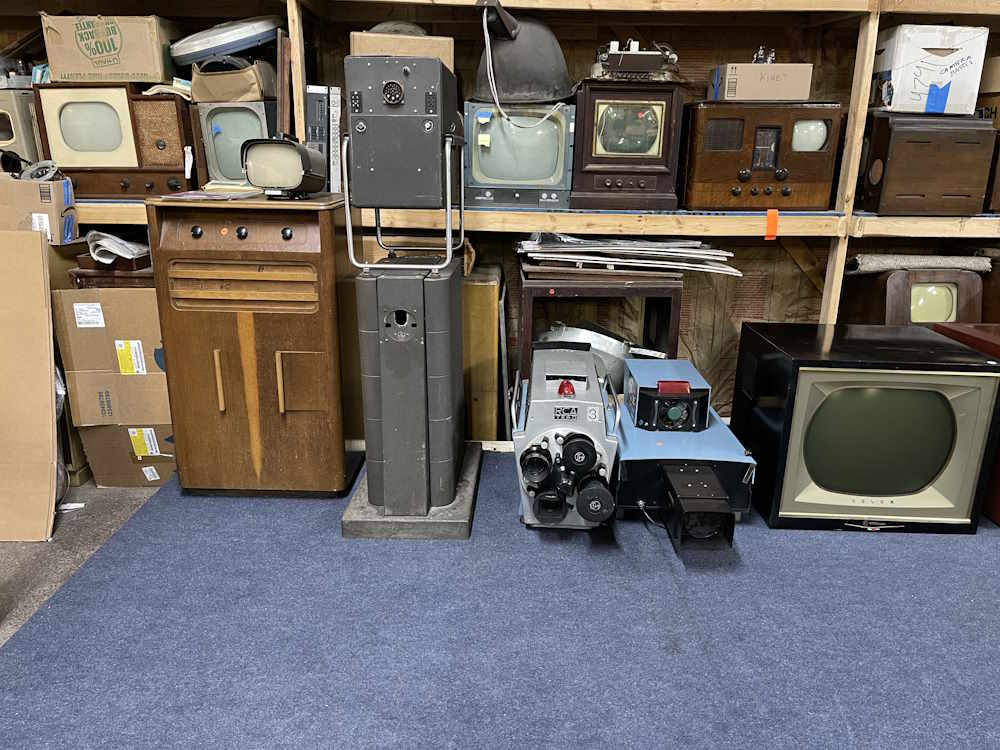
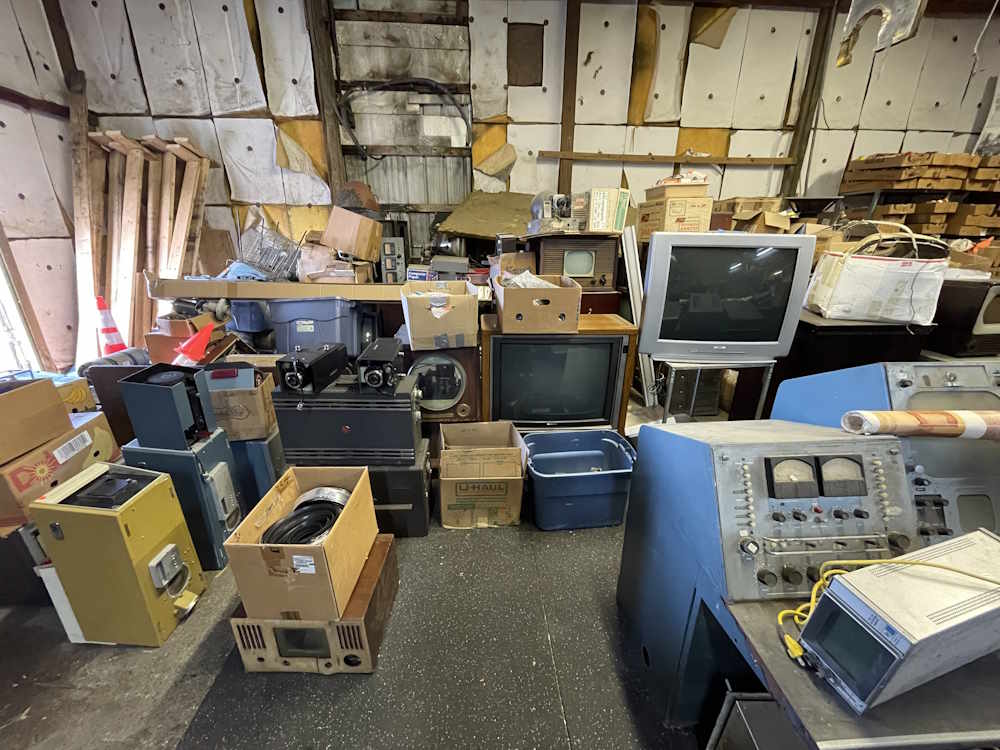
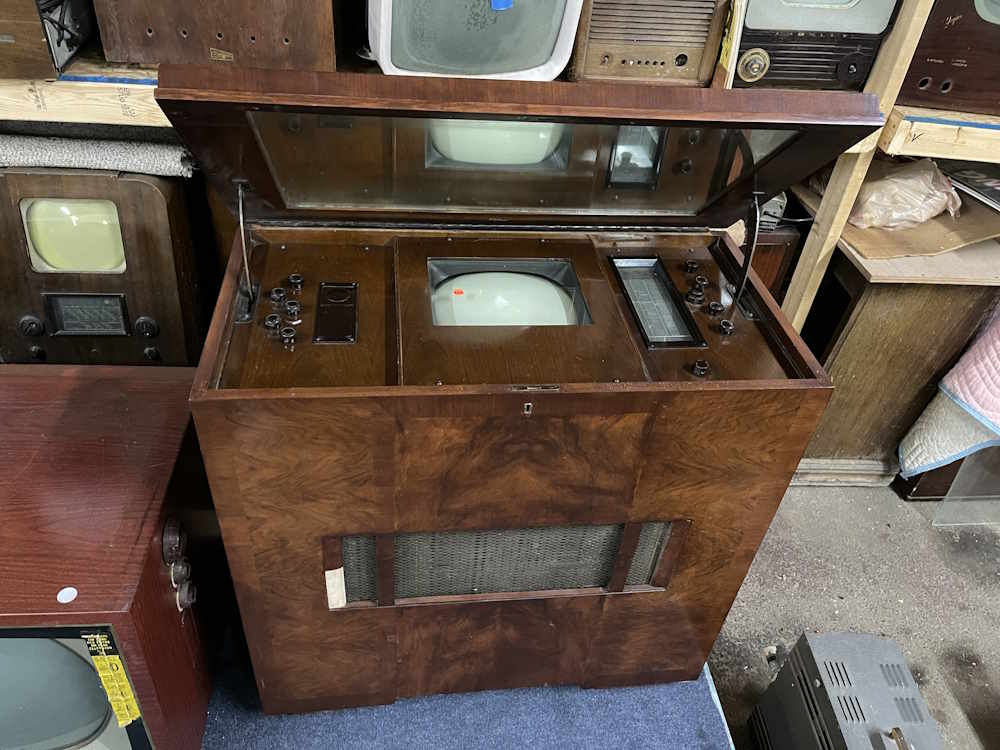
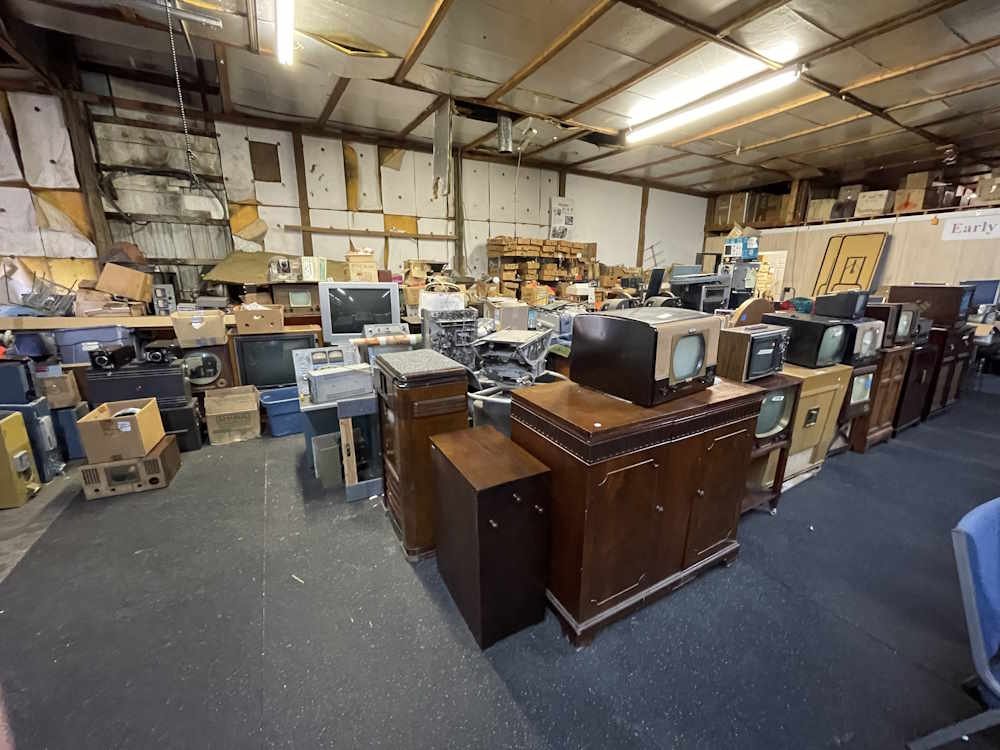
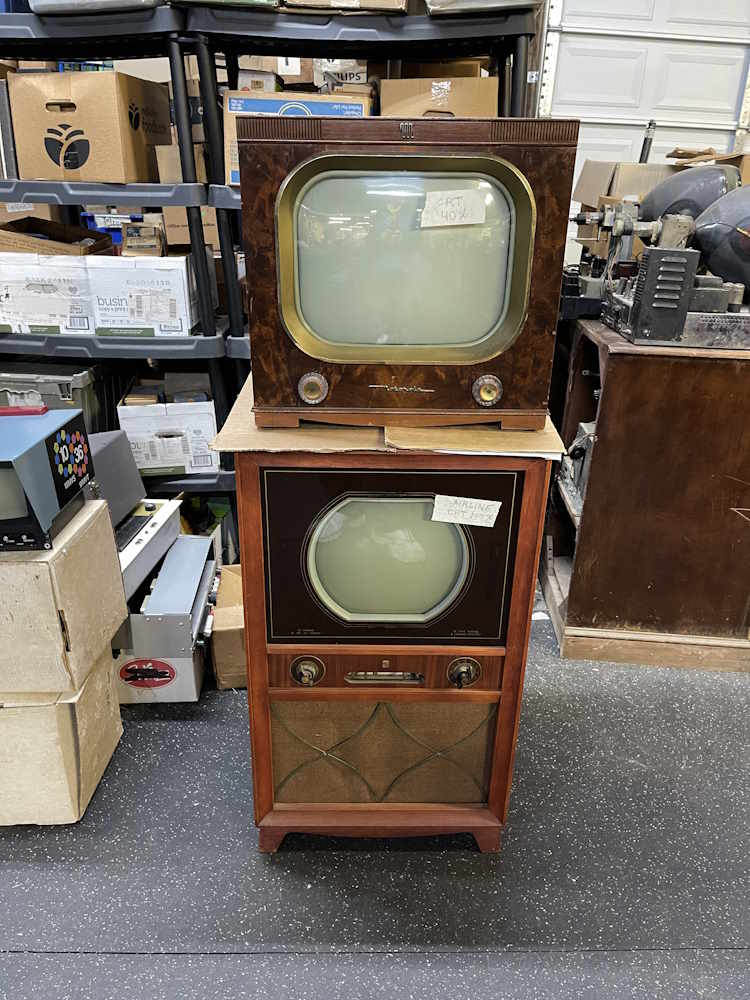
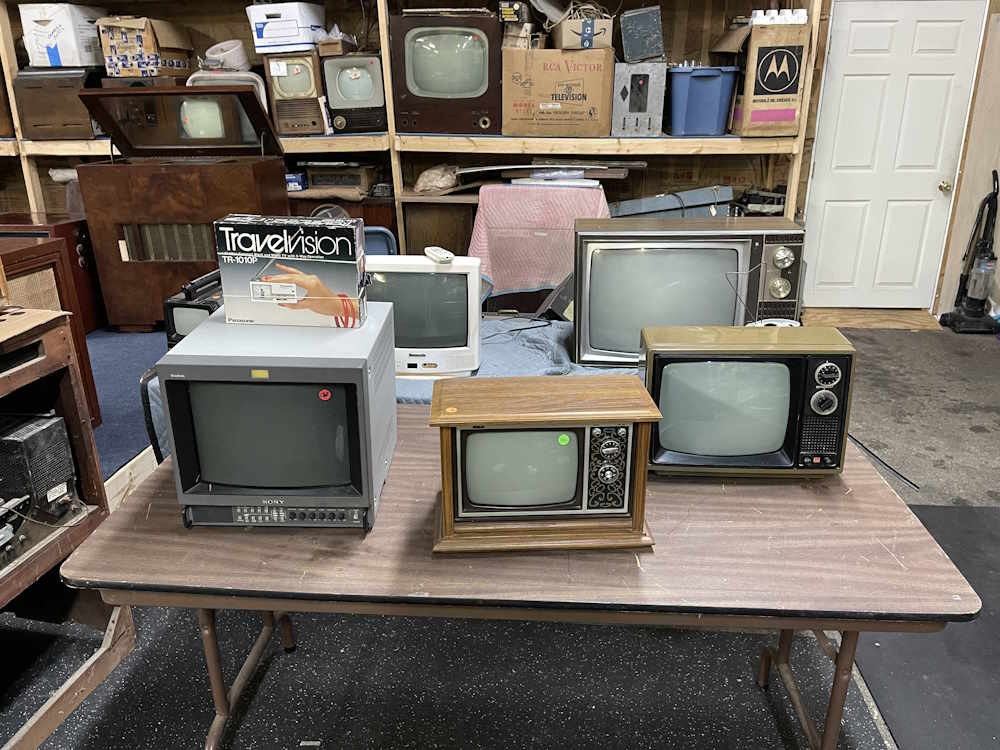
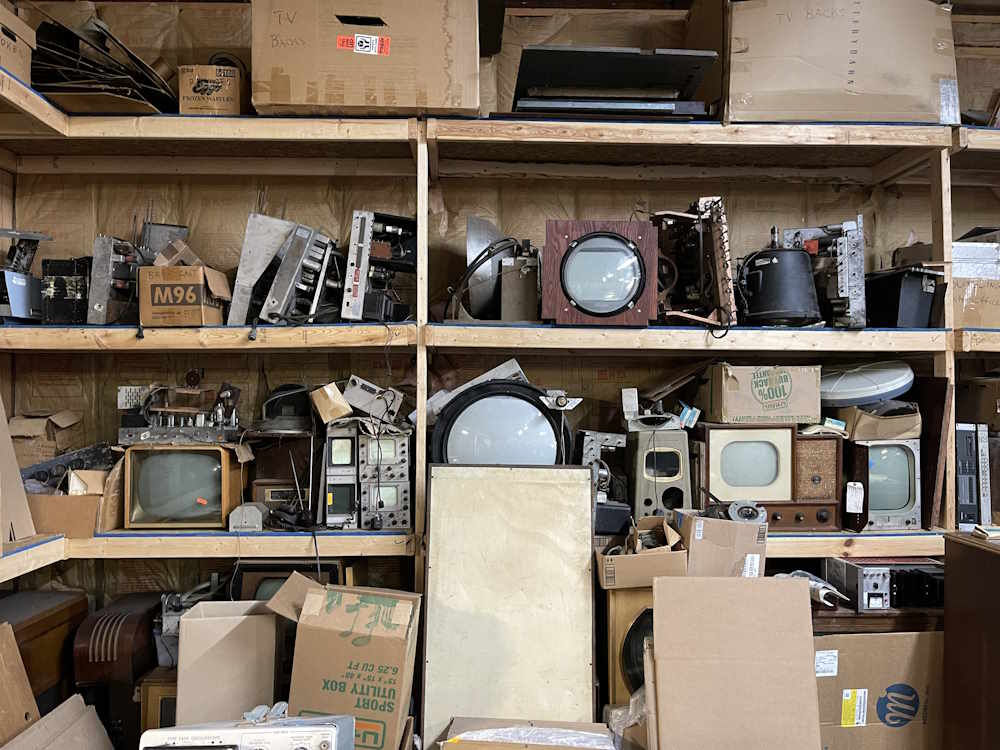
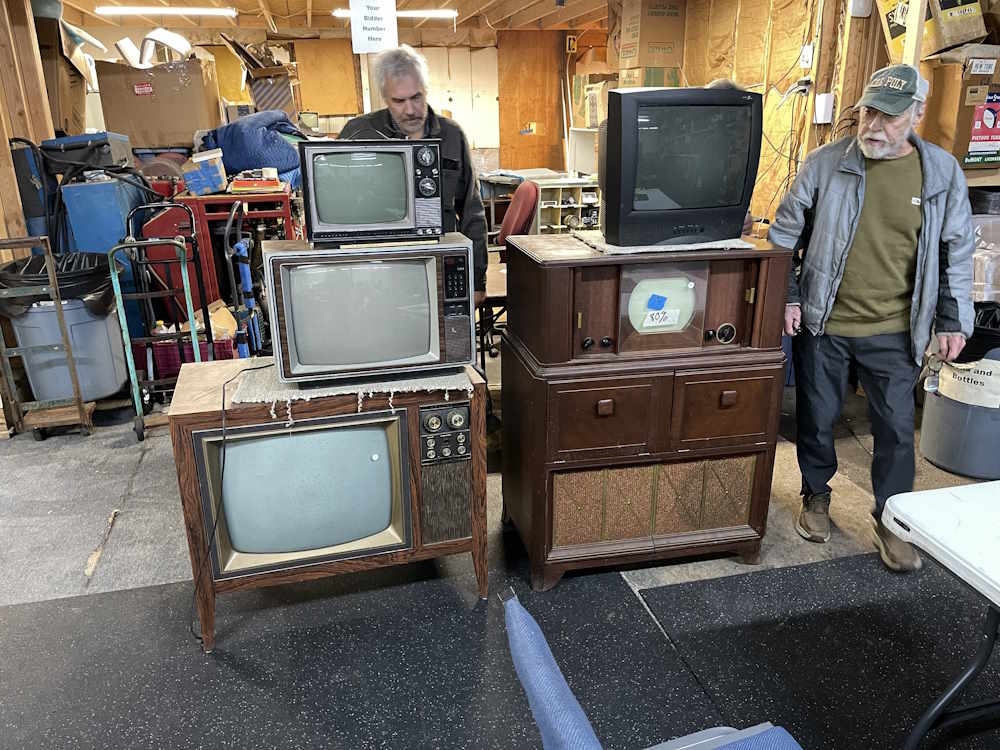
There’s another part to this show, and that’s the auction. It’s inside the warehouse, which in itself is a treasure trove of early television. While not all of what is in the following pictures was in the auction, almost all of it is for sale - if you see something interesting, please feel free to call them about it. I’ve always found their prices are reasonable for what the item is, but also they’re what the item is worth. I don’t have anything to say about these pictures, just enjoy!
etm26-warehouse1-wereboar.jpg
etm26-warehouse10-wereboar.jpg
etm26-warehouse11-wereboar.jpg
etm26-warehouse12-wereboar.jpg
etm26-warehouse13-wereboar.jpg
etm26-warehouse14-wereboar.jpg
etm26-warehouse15-wereboar.jpg
etm26-warehouse16-wereboar.jpg
etm26-warehouse17-wereboar.jpg
etm26-warehouse18-wereboar.jpg
etm26-warehouse19-wereboar.jpg
etm26-warehouse2-wereboar.jpg
etm26-warehouse20-wereboar.jpg
etm26-warehouse21-wereboar.jpg
etm26-warehouse22-wereboar.jpg
etm26-warehouse23-wereboar.jpg
etm26-warehouse24-wereboar.jpg
etm26-warehouse25-wereboar.jpg
etm26-warehouse3-wereboar.jpg
etm26-warehouse4-wereboar.jpg
etm26-warehouse5-wereboar.jpg
etm26-warehouse6-wereboar.jpg
etm26-warehouse7-wereboar.jpg
etm26-warehouse8-wereboar.jpg
etm26-warehouse9-wereboar.jpg
There’s one more hamfest I’ll attend this year in Canton, Ohio. Stay tuned!
Zenith got quite innovative in their later years - their televisions went modular for serviceability. The tech could have a bunch of modules in a case, come out, diagnose and have your TV up and running again in a half-hour as opposed to dragging it back to the shop or pulling chassis units out.
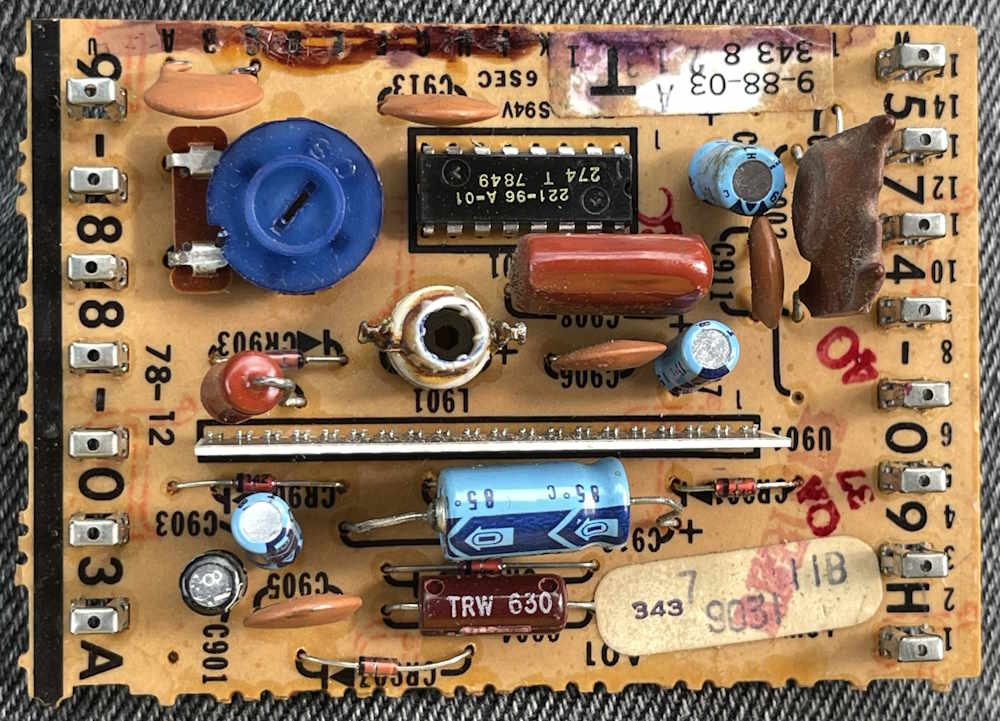
This is a Zenith Low-Level Luminance Module, part number 9-88-03.
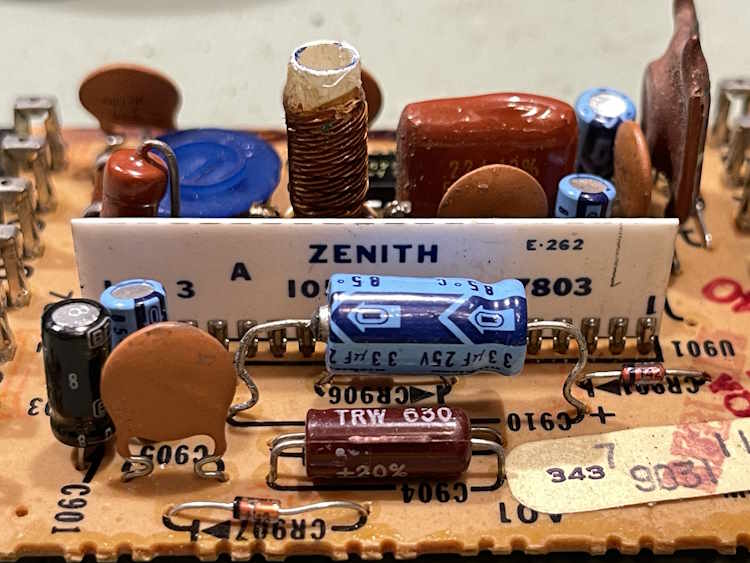
The board itself is interesting. 1978 - but it’s got an integrated circuit…
…and a special Zenith device. The modern couplet.
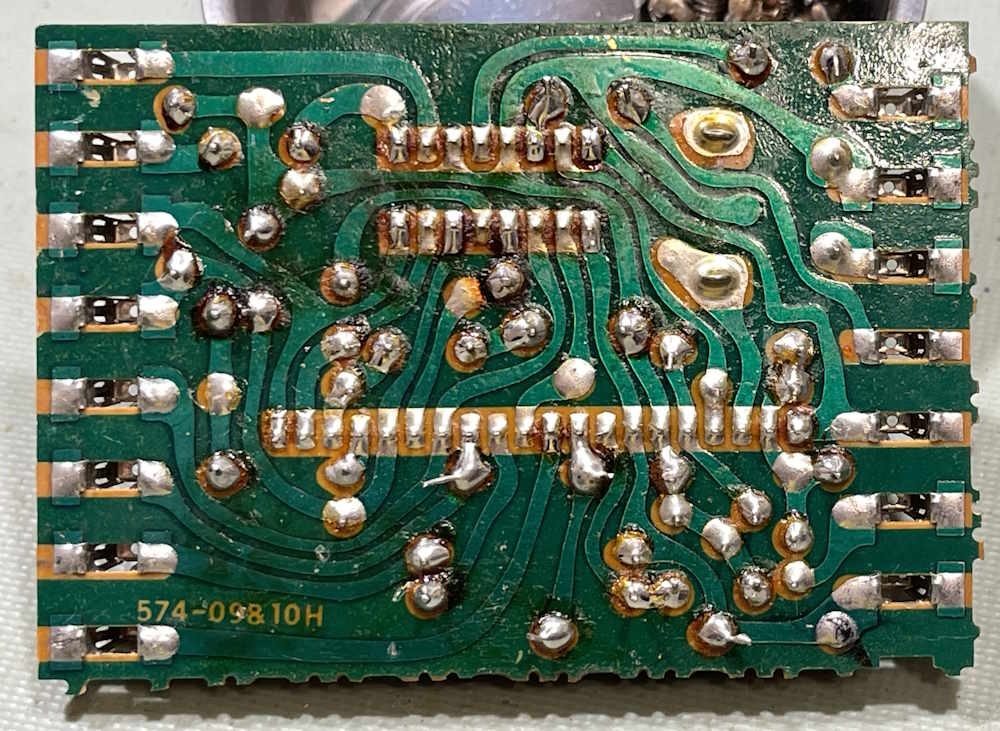
The back, of course, is wave soldered and belies that “quickerer is betterer” mentality that invaded television by this time. The flux is real on this thing.
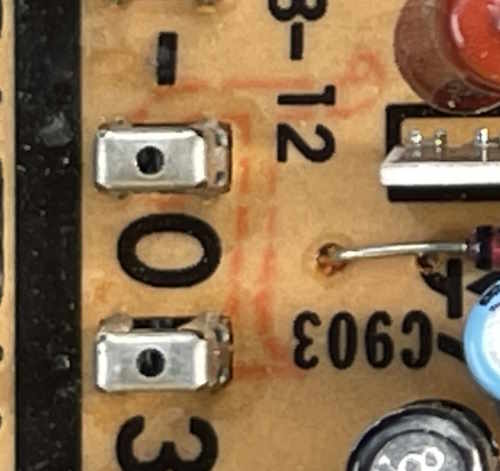
Of course, the interesting thing is the marking.
There it is. The orange “T,” indicating the raw board was made in Coshocton, Ohio at the GE plant. This stuff was everywhere at one time.
LinkedIn has been around for a long time. When it first started, it was a place to put your resume and a way for you to talk a little bit about your doings in the working world. That was fine…then Microsoft bought it and turned it into a social network with all of the baggage that involves. “Sanitized speech” everywhere, political spammers, AI slop so bad they had to make a joke button about reporting AI slop (while here’s some tools we’ve made to help you make more AI slop!) and all the artificial outrage you can handle.
I can hear the comments now. I’ve been over LinkedIn for years. I don’t blame you.
Let’s set the stage for our performance:
In technology, there are terms that we need to use that the modern world has deemed to be offensive. Words like:
Stopcock
Master-Slave
Crippleware
Dummy values
Male/Female
Various mnemonics for the color codes
And, of course, there’s television. You had the Indian Head logo, and a whole bunch of terms for early CRTs:
Suicide Tubes
Widomakers
Mankillers
Where did these come from? Well, the early CRTs used a metal shell (the “bell”) as the accelerating anode. That is, the entire tube had high voltage on it. You reach in when the set is on, you get 25kV, and you’re off to see the wizard. Some companies tried to mitigate this with a plastic coating, but the fact remained that you had a massive area of high voltage just inside the box waiting for unsuspecting fingers. There was also the technical problems of leaky glass-to-metal seals, but that’s a different story.
So why am I over LinkedIn? I think that last term did me in. Mankiller.
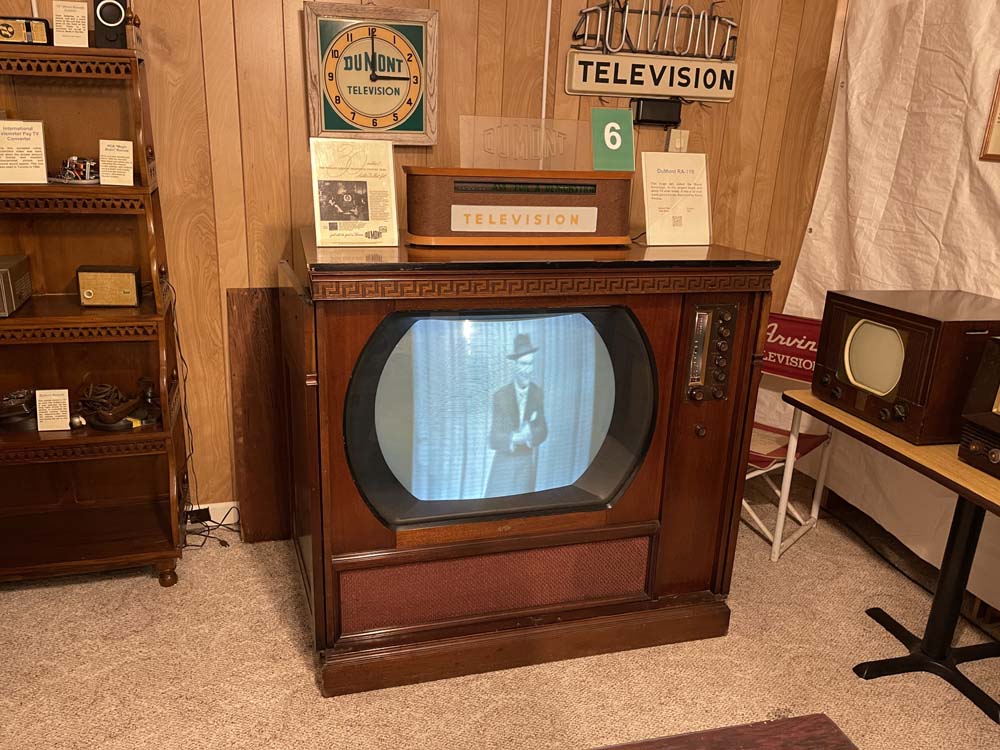
I recently posted a picture taken at the Early Television Museum in Hilliard, Ohio. That of a DuMont RA-119 television. It used a 30” B&W CRT, and was the largest B&W set ever made. And yes, it had a giant metal bell that was at the accelerating potential voltage. Big enough that you could hug it.
The image simply does not convey how big this thing is. You don’t buy this television for your house, you buy a house for this television. It was expensive, and wasn’t really made for you and me. Let’s just say this thing is massive. Enormous. Giant. Is that enough adjectives?
In the discussion about that set, someone made a comment about obsolescence. I made the comment that the biggest fault with these was the mankiller CRTs that leaked and had high voltage on the shell.
I’m only guessing of course. I’ve received no indication of account problems. Just logged out and forced to identity verify again. No appeal notice, no indication that I did something wrong, nothing. And that’s about the way modern platforms go - they hold all the power and refuse to tell you what you did wrong according to them.
So…what did I do? No idea. That’s my guess however. I submitted the required documents, but there’s no way for me to explain my case, or even see my case.
I’m over the site, because it doesn’t really do much anymore. I mean, I’ll probably open a new account if that one is locked, but it will simply be as it was put to me: my professional business card. Here’s my profile, here’s links to my portfolios, no posts, comments, feed views, nothing. It’s simply not worth the time to mess with it these days, especially if you’re going to get the algorithm-squad terminating you for using a valid tech term it thought was bad.
You have to log in to view that link!
Assuming I can get back in, I’ll grab the few contacts I need and remove all of the comments and posts, leaving nothing but the resume. Yes, I could just kill it right there and open a new one, but it’s more satisfying to me to delete everything and have people go “Why are you doing this?” Well, here is the reason. There’s also the crap with opening a new account, they require a lot more info these days that I’m simply not willing to give.
The reply
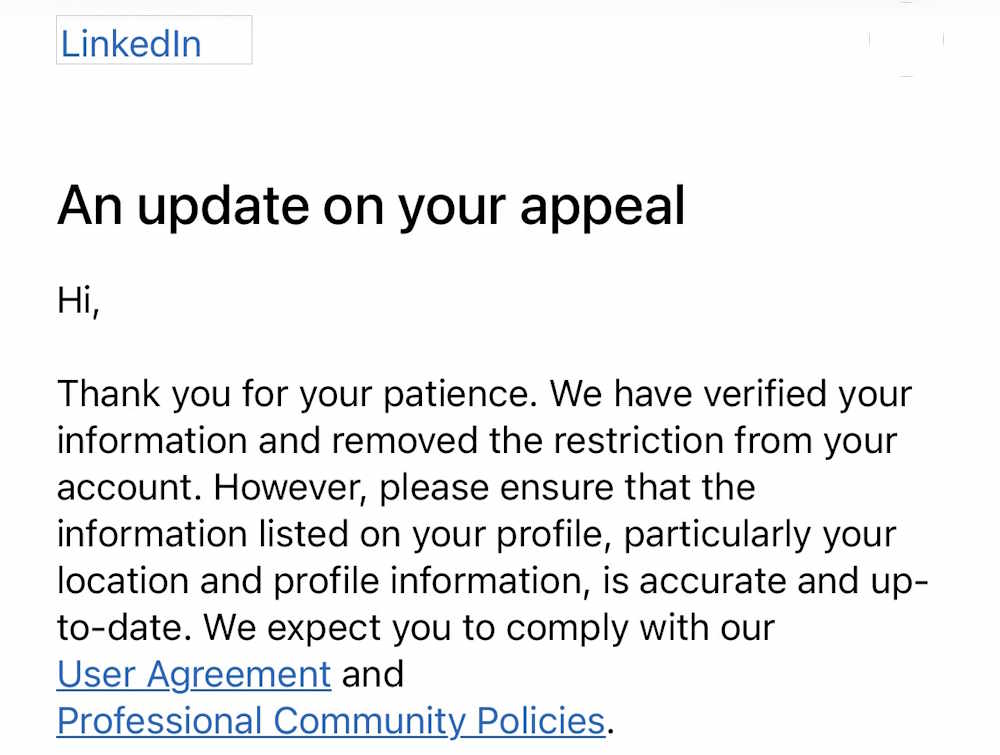
LinkedIn replied to my request for re-instatement. The information I received was confusing, as I was being chastised for not keeping my location up to date and that’s very important. Uh…my location hasn’t changed for 35 years. If you haven’t guessed it by the posts I make here and the shows I attend, It’s Columbus, Ohio. Now you know.
The fallout
What does this all mean? Well…it means that the risk outweighs the rewards. I see online that the “yer locashuns!” is generally a cop-out from microsoft when they don’t want to tell you want you actually did wrong. Whether it was an automated flag on ‘mankiller’ or just LinkedIn’s notoriously broken geo-verification algorithms, I can’t say. I can only tell you that I see one thing, and that thing immediately happened after the other thing. Post hoc ergo propter hoc so to speak.
Where does that lead me? First and foremost, as stated - there is risk. Unfortunately, the site is still just barely useful as an employment site, although you’d never know it. I need to keep it open for that reason…but posting there is no longer an option. Other than perhaps 1 post on the anniversary of this blog, I won’t be making regular appearances there. I’ve gone through and deleted all but a few of my more generic posts. I’ve removed all of the comments that weren’t on the posts I left behind. The lack of posts will certainly reduce my visibility, but that also means that the lo-rent job spammers and Chinese “No we just want to connect :)” scammers should slow after a while. It also has the benefit of removing those last few links to pygg.xyz that were hanging around.
LinkedIn is a liability. You need to be visible, but you can’t post something without wondering if this is going to trigger the hammer that falls on your fingers. You can’t say something that is perfectly valid in the terms of the conversation when someone who has no business being there may show up and declare it to be offensive. It’s just not worth the time, effort, or risk - especially when the engagement you do receive is nothing more than a drive-by liking without any real discourse.
Speaking of engagement - there isn’t any on LinkedIn unless you’re posting flashy slop. Some of my posts did get quite a few views - 50,000+ in one case (thank you!) but the click-through wasn’t there at all. I was hoping that people would click my link, read the full story here, and then comment - that either didn’t happen at all (no click-through) or you just had someone who read the summary, made decisions, and tried to engineer the situation without any information at all. In a couple of cases, there was even a few of the “Why are you doing this? Just do that instead” people. You have to manage your expectations with what you actually received here, and what was received just wasn’t doing it. I realize that sounds like whining, and it probably is. But my time is limited, and I want to give both you and I the best bang for the 5 minutes you spend with me on this site.
That sums it up, I think - risk vs. reward. There’s no reward, so no risk should be taken. Very limited posts just to keep the account active-ish, but no more comments unless it’s in direct reply on the 2 posts a year I can see needing to be made. Nothing more than a business card with a “Best wishes in the new year” postcard in late December. and a “Happy Birthday” in July.
That’s all…stick around. There’s magic fire bottles that we need to light up so we can accomplish something together.
I’ve been doing some YouTube stuff for a while now, most of that showing up on https://youtube.com/ … bottomdrawerprojects. I played around with a few concepts, including scheduled release dates, and a second channel that started to collect all of the build videos - https://youtube.com/@boaringboarbuilds - but I don’t know that it is working as well as I wanted.
This isn’t about numbers, what I’m running into is that videos I make on a device are quickly becoming scheduled for a long time after the device has finished up it’s repairs here at Projects, and by the time it finally does show up it’s forgotten. I want to try and make a “here’s the device, here’s a video” type system so you can see what’s going on. That, to me at least, seems like it would be more interesting than having a video show up a year from now and needing to dig around to find the accompanying information here at Projects.
What I’m going to do is start releasing videos @bottomdrawerprojects a handful at a time as not to overwhelm the connectors I have set up to odysee.com. When those are done, videos @boaringboarbuilds will be moved over. When everything is all released and moved, new videos will be posted as they happen.
Boaring Boar Builds will be moved to a kits and new stuff builds channel, and all of the old stuff will stay at Bottom Drawer Projects. There will still be some scheduled releases, shorts and holiday things, but for the most part everything will release in real time.
Thank you for all the views and visits here to projects, and I hope you’ve found something of interest.
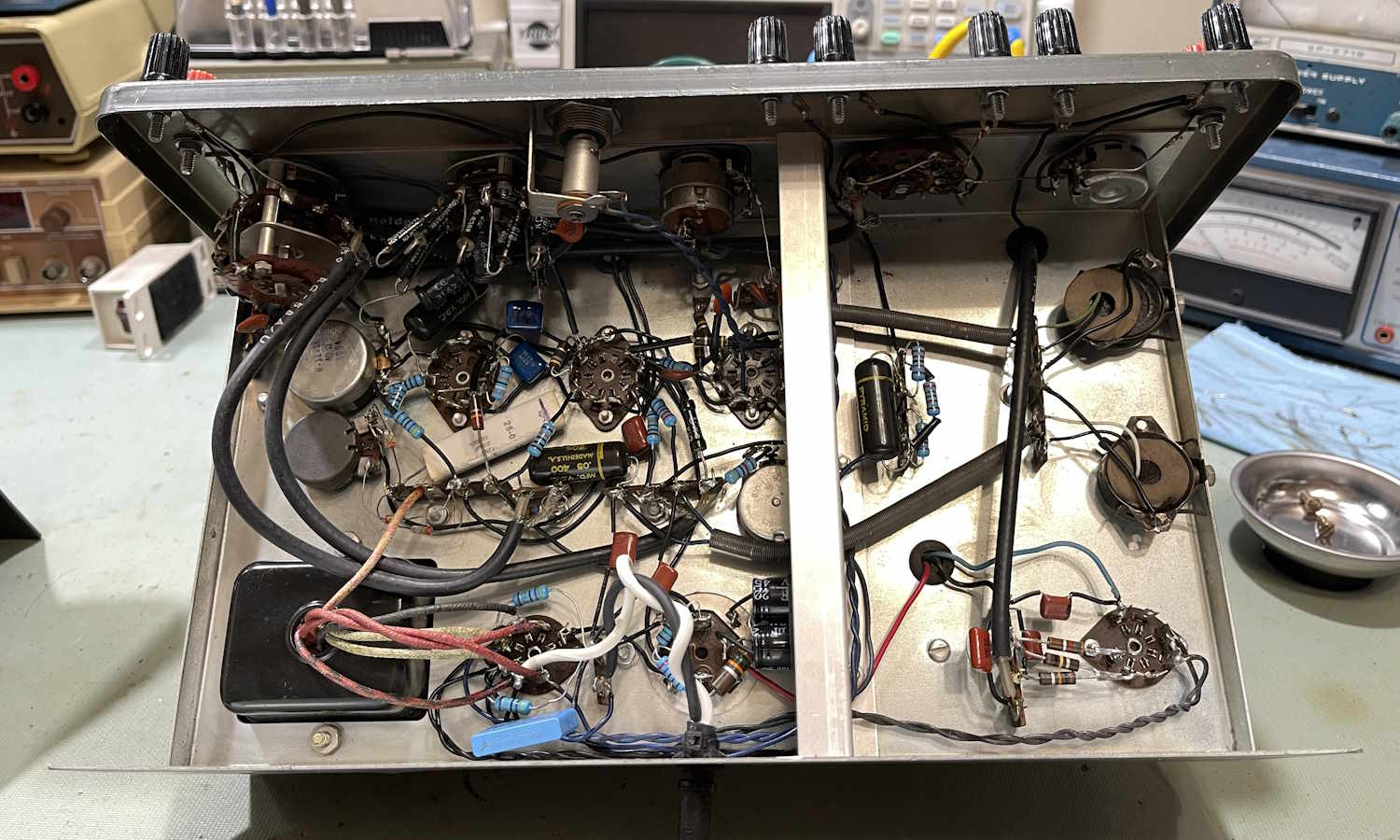
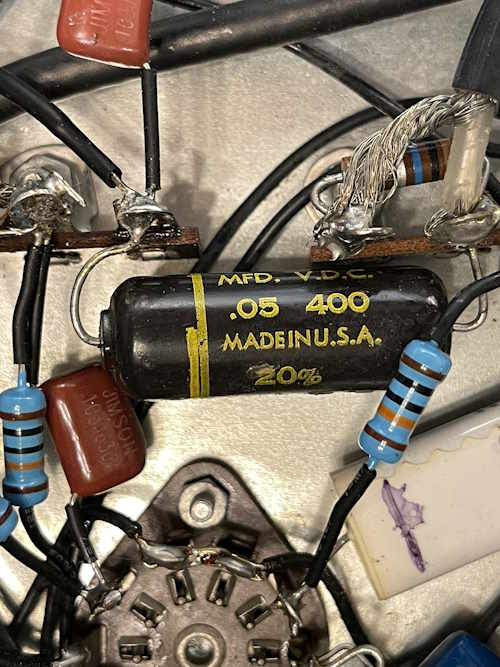
I’ve decided to start on the “second” Precise 9071 as the first teardown and rebuild candidate. While there’s not much to show about the actual teardown itself, I did find it interesting that this unit had a couple of no-solders.
I wonder how many issues this caused over the years.
The rest was just removing parts and doing cleanup. I was going to try and re-use the wire that was already there, but…it’s so sticky that I didn’t want to use it.
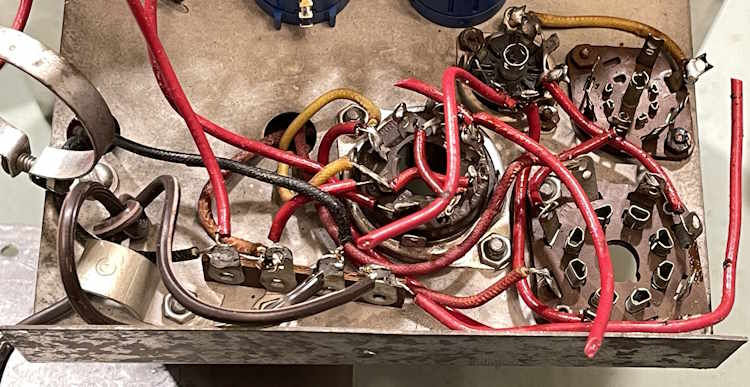
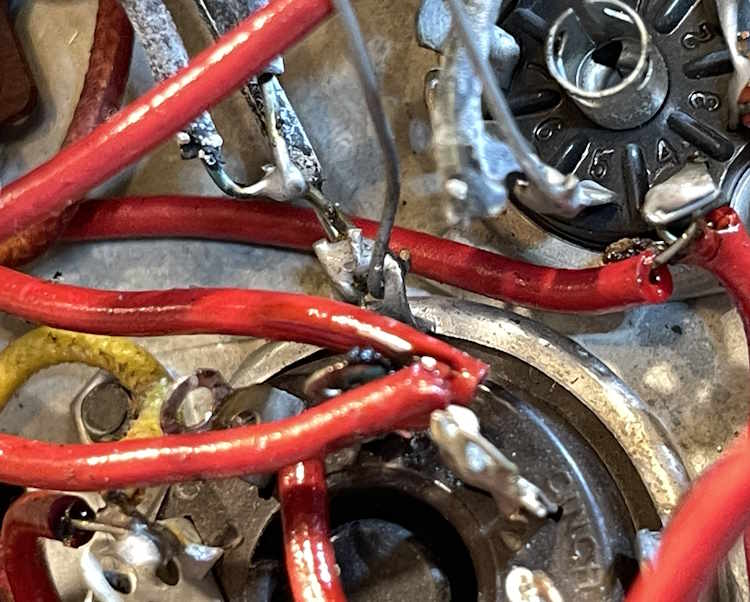
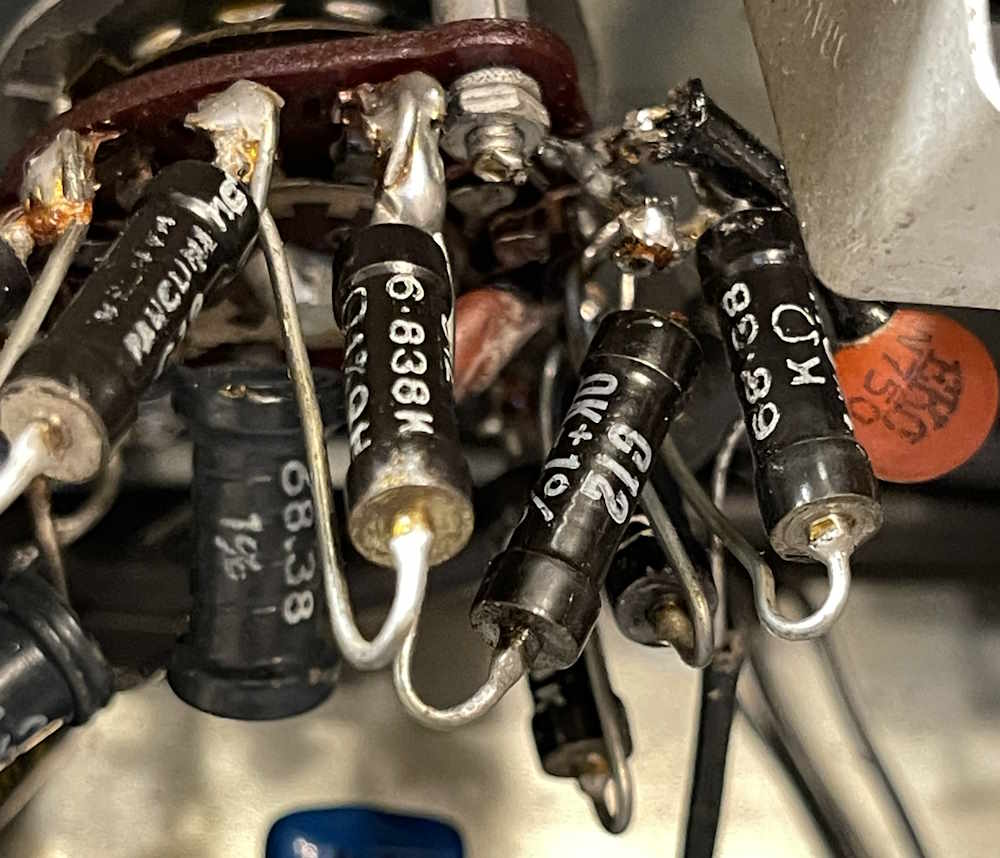
Some of the wires are literally coated with decayed plastic snot.
I ended up with a pile of parts removed:
…and a chassis that looks just as bad as when I started.
Next up is removing the range switch and dropping it in the ultrasonic bath. Stay tuned!
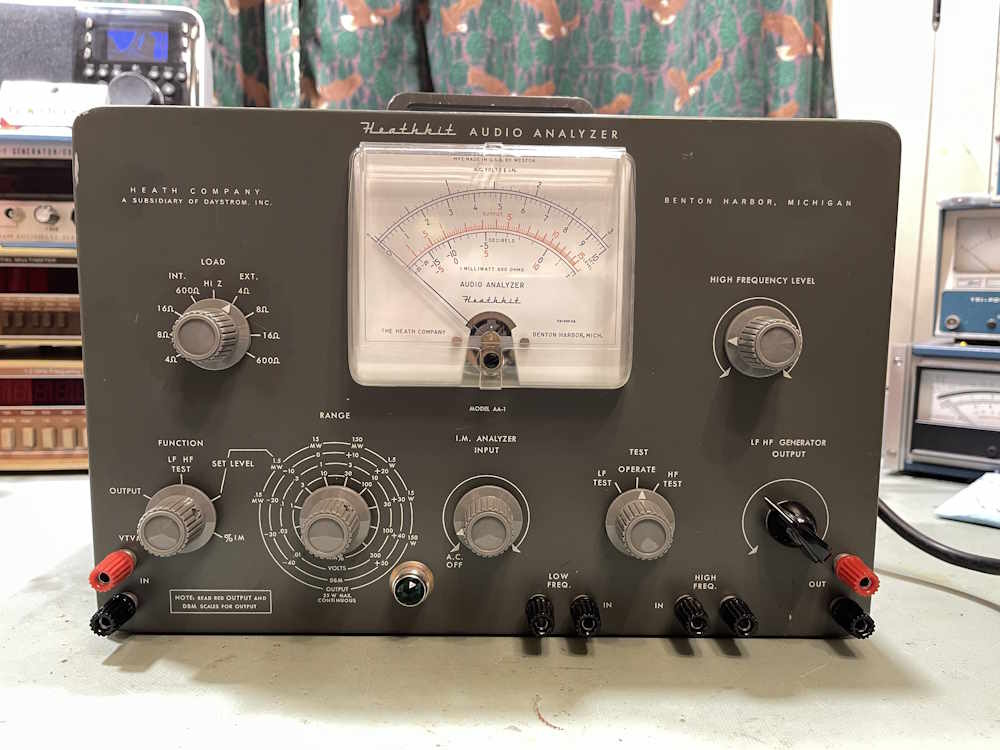
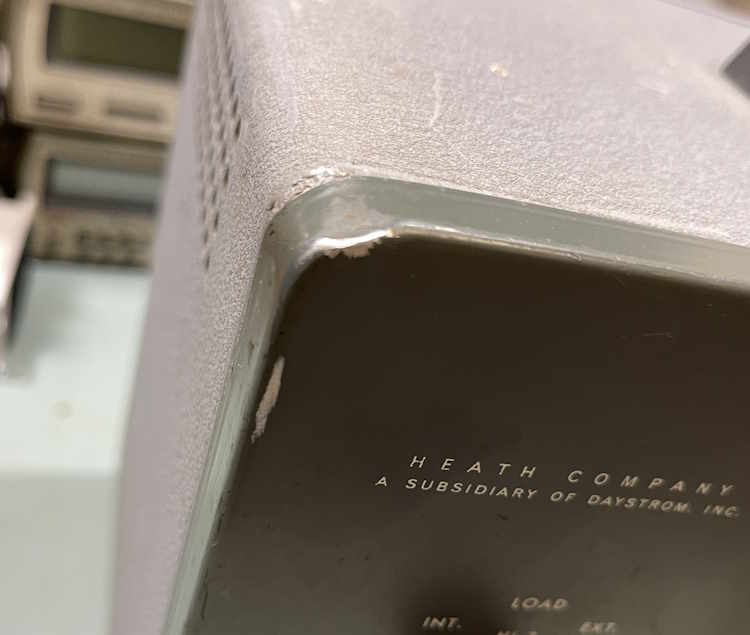
I’ve had a couple of these devices sitting around for a while in various conditions, but all of them had meters that weren’t in the best of conditions. When I saw this one show up online for a reasonable price, I grabbed it. While I knew it had some minor case damage, the meter face itself was in great shape, and it seemed pretty clean. There was a reason for that…
This is a unit that offers everything audio. Load resistors, AC VTVM, I/M analyzer, etc. Kind of a test bench inna box thing.
Let’s check out the unit itself before digging into the chassis.
Here’s the front of the unit with the clear meter cover.
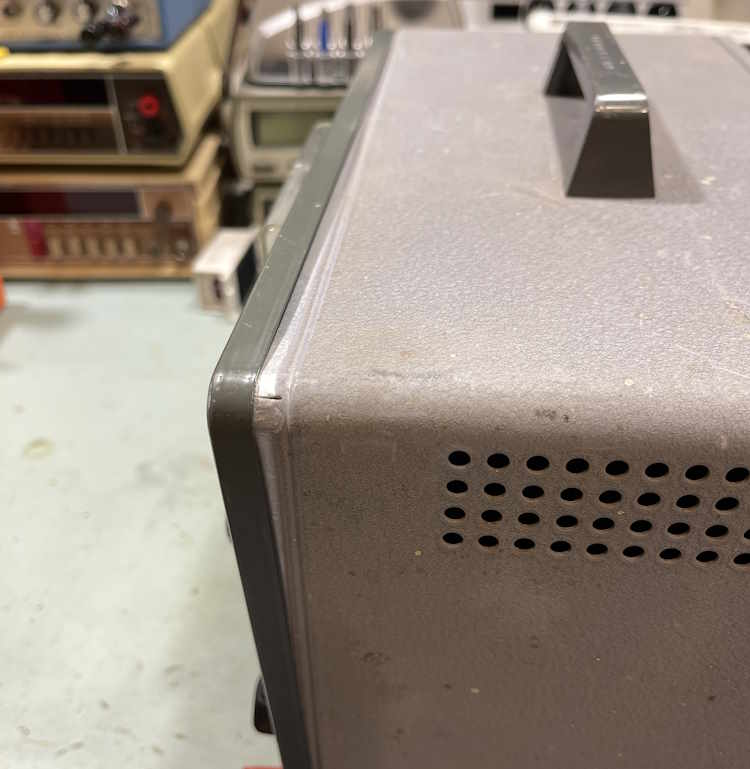
Here’s the smashed corner. It’s not terribly bad.
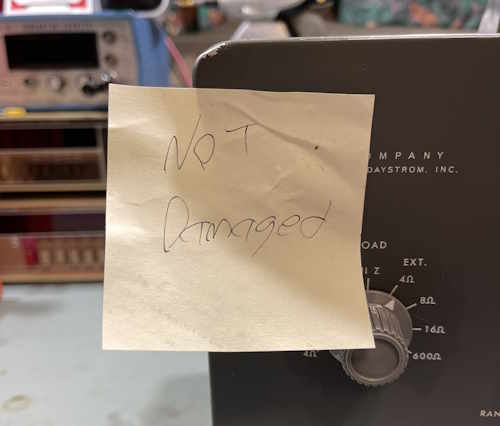
Of course, a friend of mine “fixed” it for me.
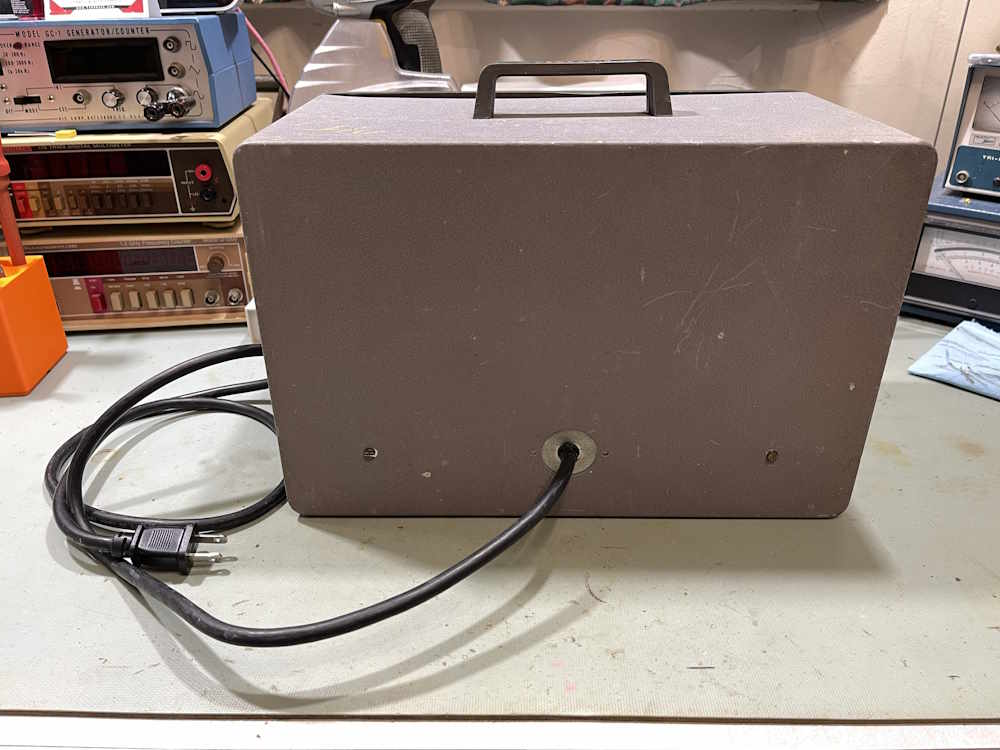
The back is nothing special, but it has a replacement cord. That’s nothing unusual for a device this old.
The top and side, of course, exhibit the standard Heathkit pull-apart that you get with these big boxes that have no screws near the top.
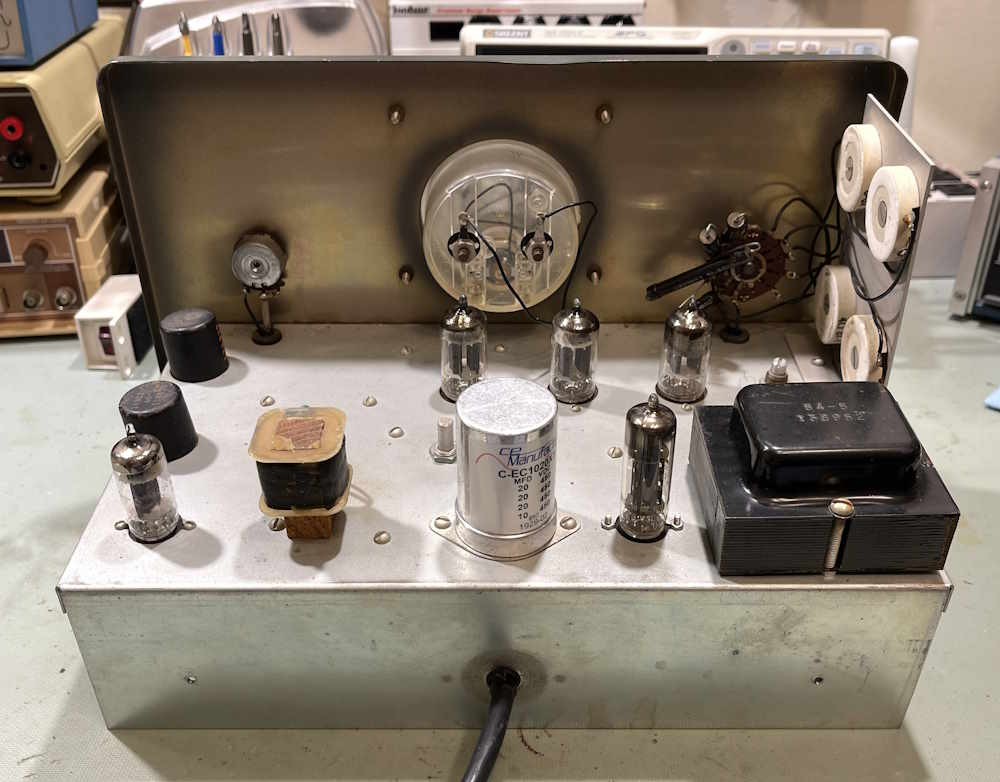
Let’s open the device. Here’s the inside. The screw that holds that coil down is loose, but we can fix that later.
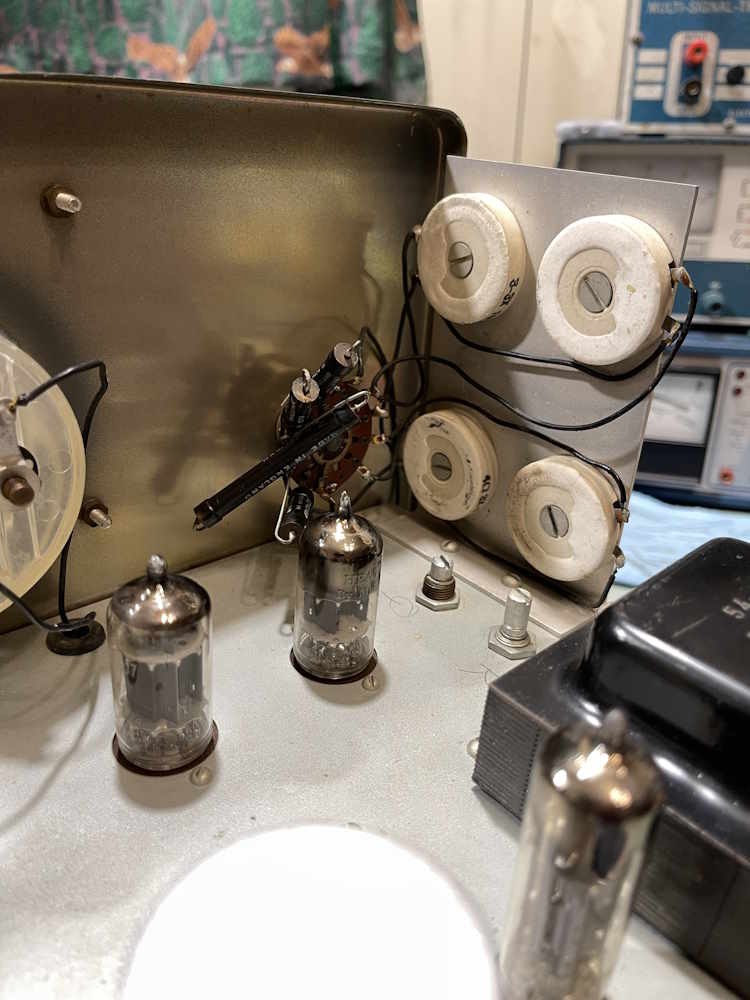
Here’s all the load resistors. They’re all intact and close to their values.
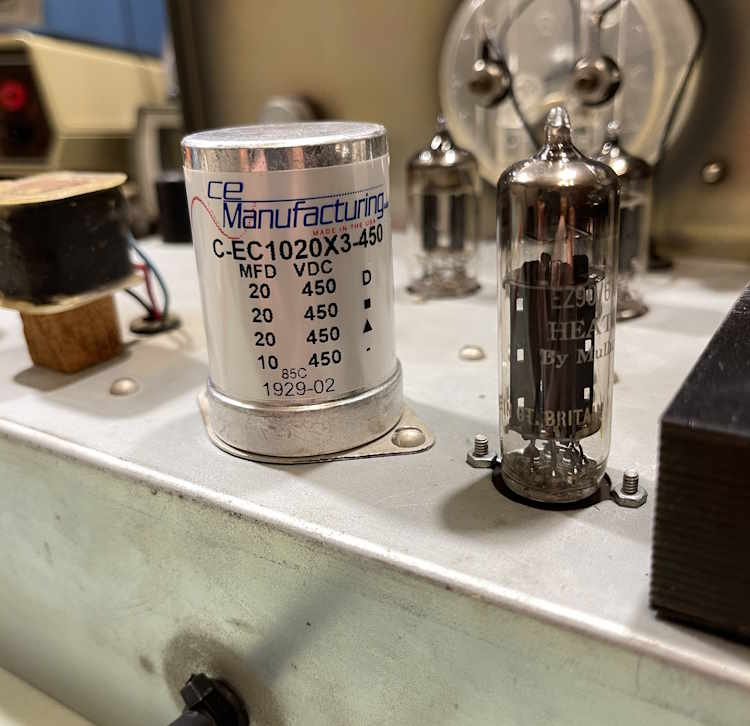
Here’s where things get interesting. This is a brand-spankin’ new capacitor…
The switches have been cleaned…these are normally black with oxidation.
Let’s take a look at the underside of the chassis.
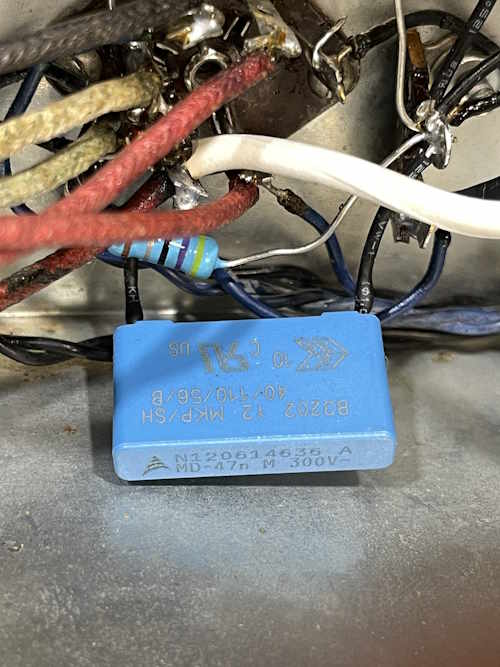
This thing has been almost completely reworked underneath, even to the safety capacitor, which is of the correct type.
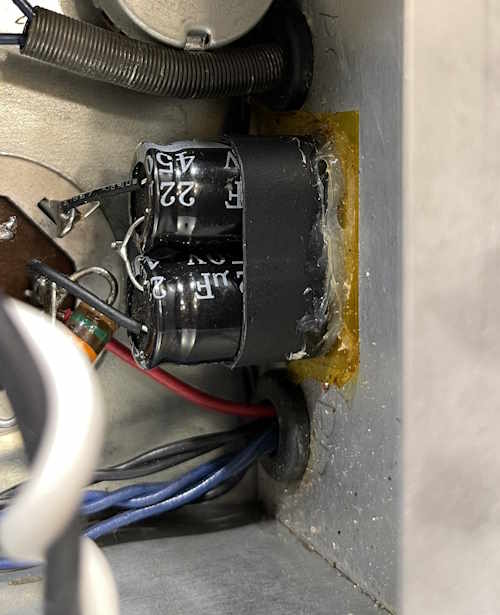
There’s some minor messes, like this set of capacitors. There’s nothing wrong with this, and it’s acceptable to get parts up to a higher voltage.
The only real issues I see here are minor.
Those are old capacitors. They probably shouldn’t be in there, but depending on where they are in the circuit it may not have mattered. If they’re low voltage, then they’re probably fine…but there’s no need to leave them in when new stuff is so cheap. There’s a handful of these in the unit.
This one is an actual problem:
That resistor, one of the many precisions in the device, is broken. I can see where the previous owner tried to fix it, but it just popped off with a minor touch. I can understand why this was done, those are bespoke parts. You can make them from combining standard values, so that’s probably what I’ll do.
I did try it out briefly, the meter moves but it’s not zero’d, which means there’s still some leakers in there. That will be corrected during some rework. In the meantime, I have a second unit that has a good faceplate, so I’ll probably swap the chassis in that one out for this chassis, and go from there. Stay tuned!
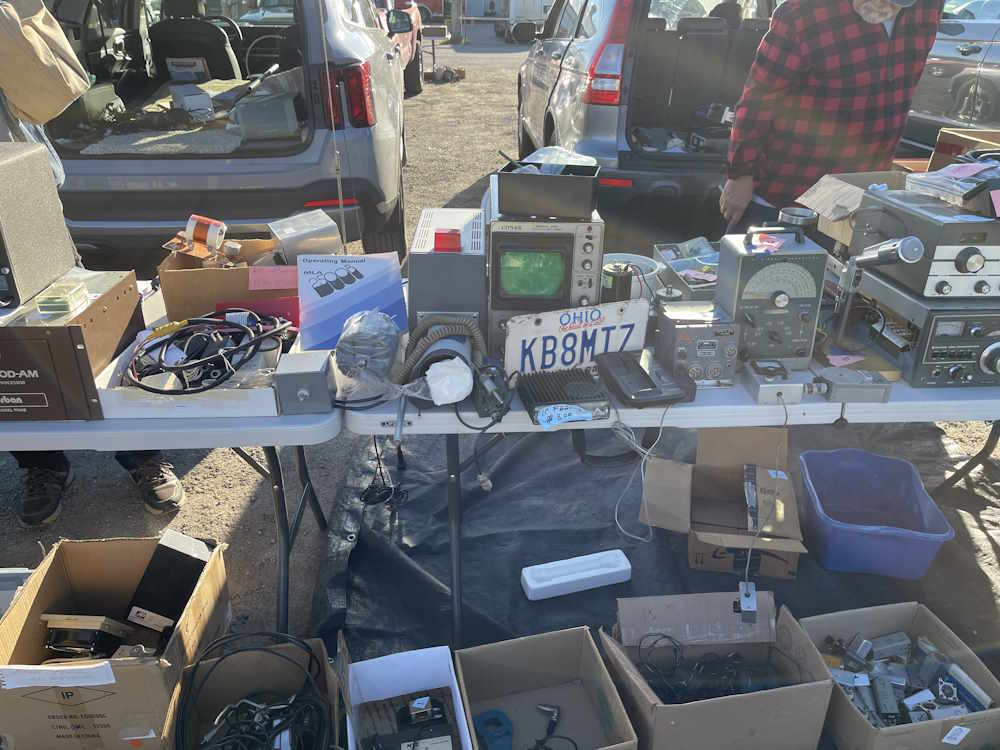
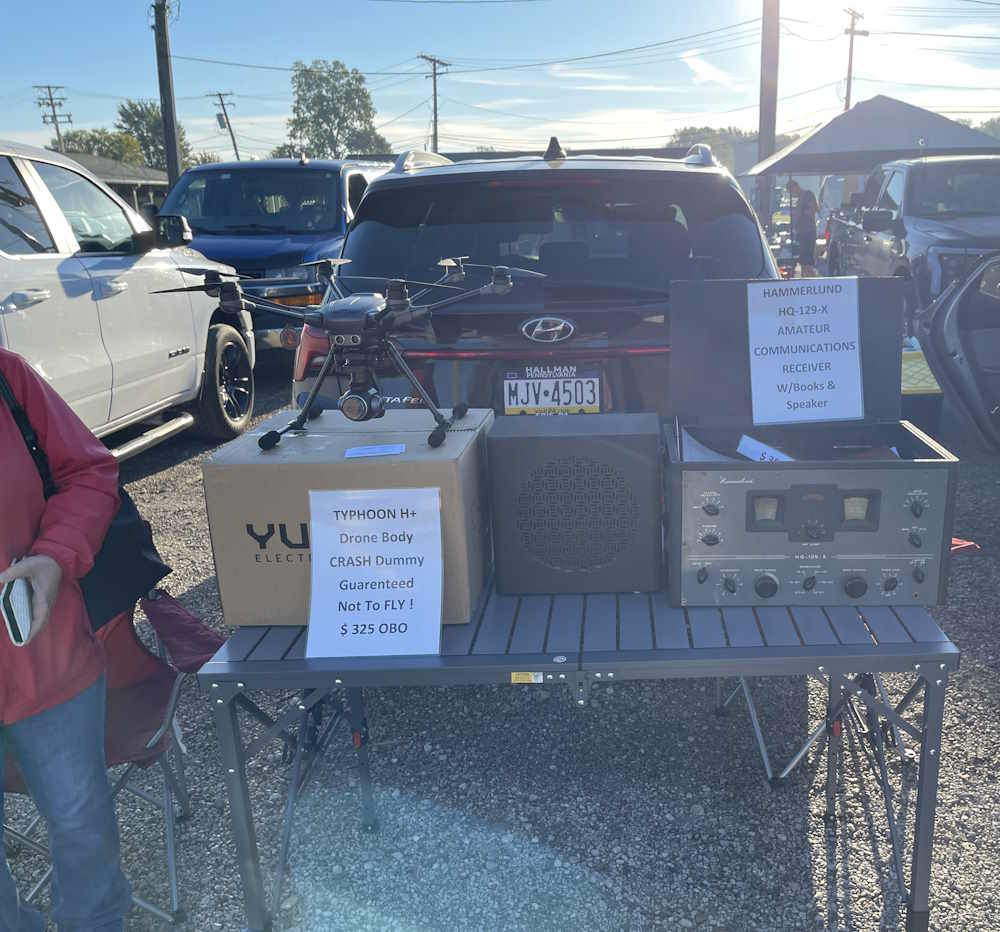
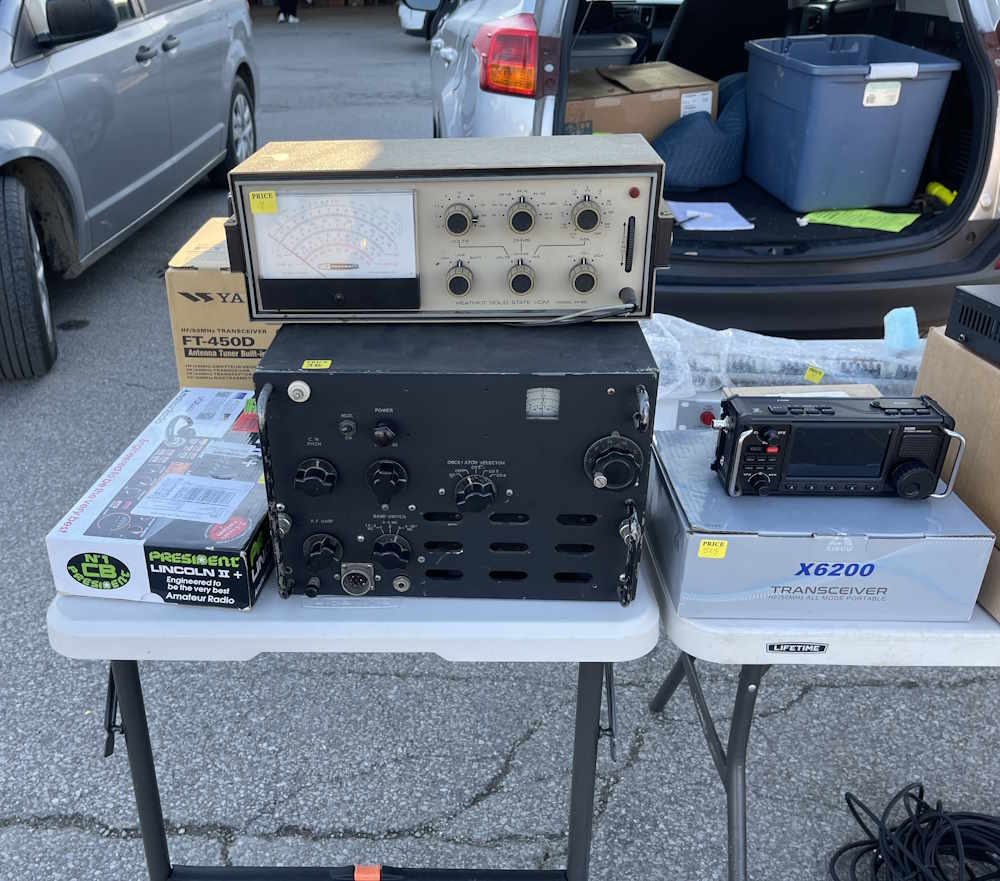
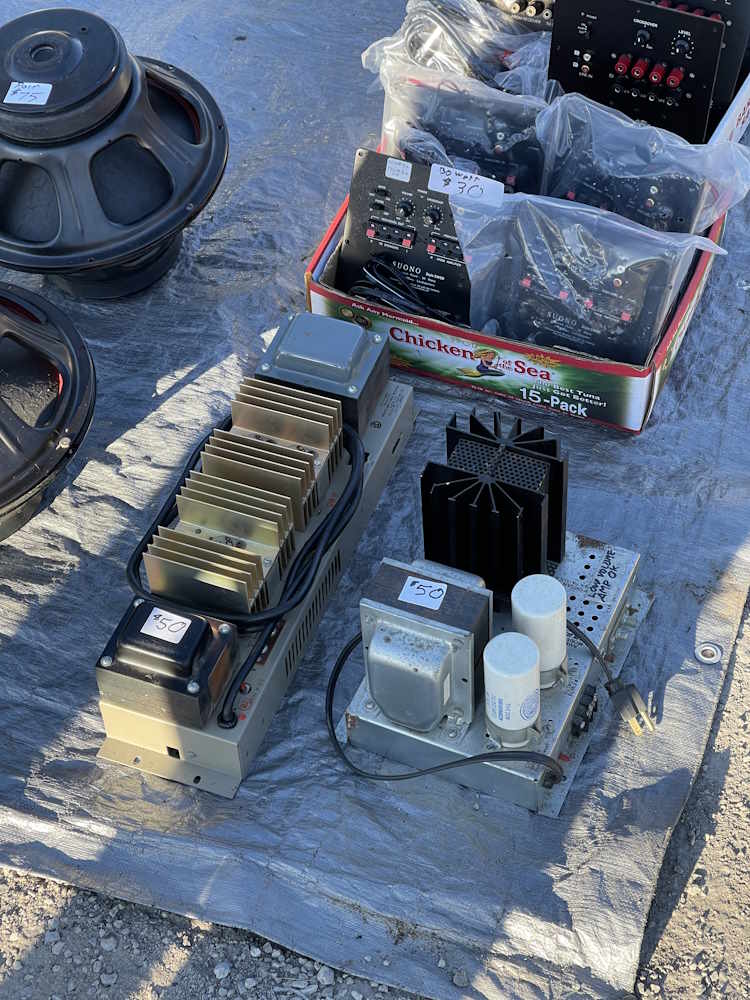
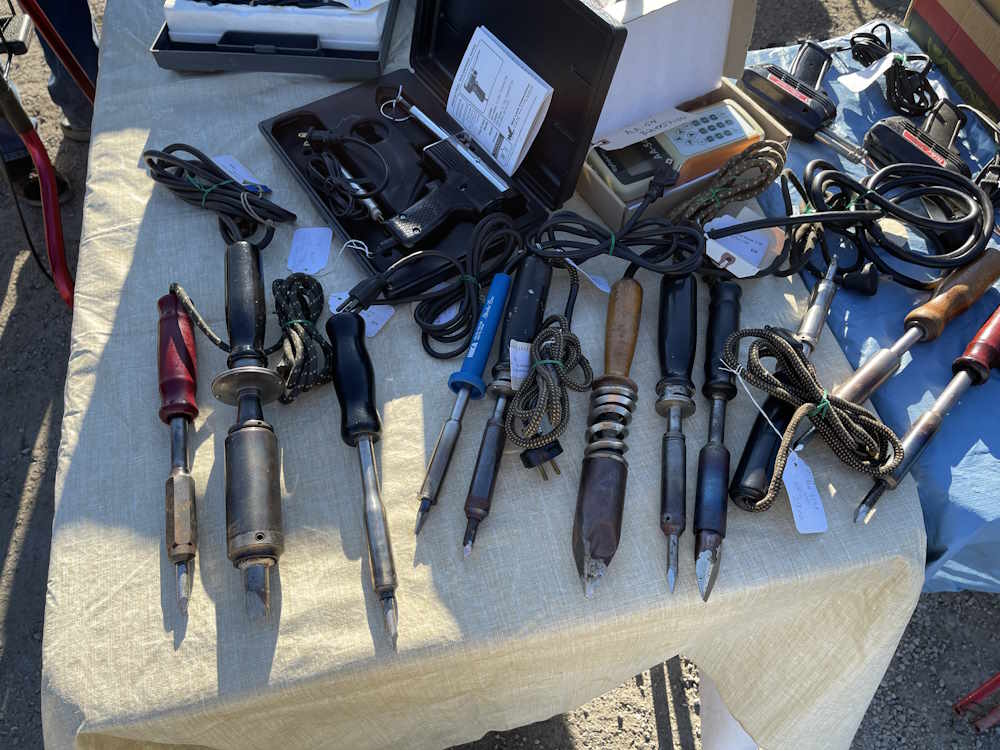
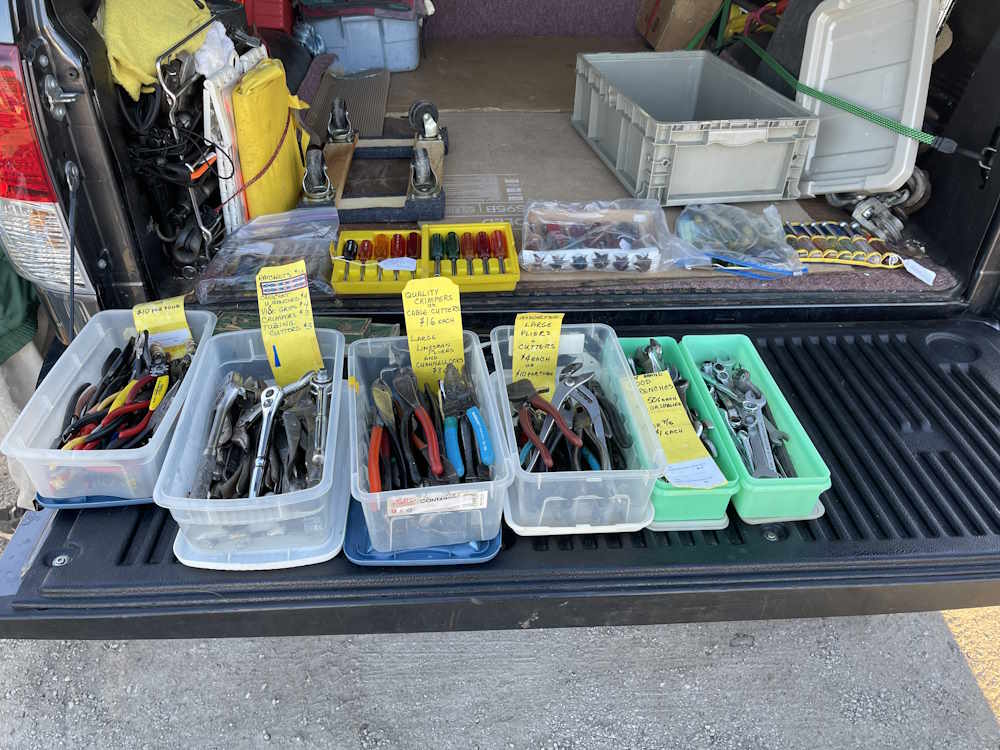
Cleveland has been a good show for me for as long as I’ve been going. While the inside building they have ebbs and flows with vendors, the outdoor flea market was well stocked with things we’d expect to see at shows. Tables of radios, piles of equipment - all the good stuff.
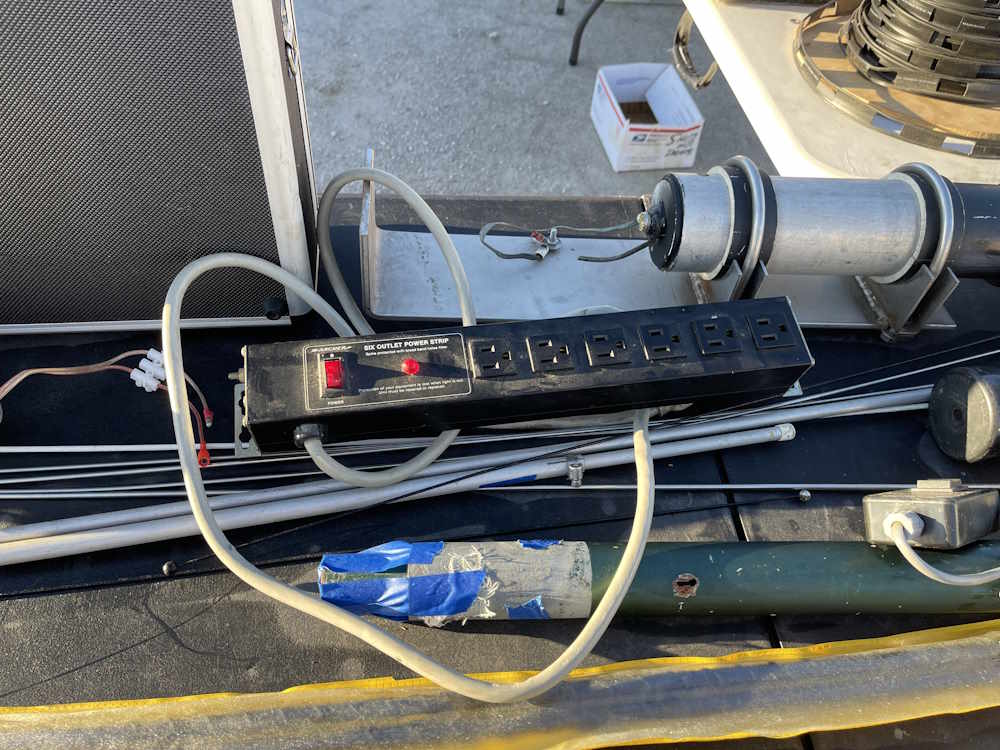
I didn’t take much home from this one, as I had to stop myself from buying yet more boat anchors. I went home with some tools, a power strip, and an old handheld game. I got away lucky!
I did see some other things I was interested in, but a few of the vendors here (and all shows, TBH,) seem to treat their prices as a state secret. I don’t want to have to flag you down and have you hmmmmm and hawww for a minute while you try and gauge how much I might pay you, mark your prices! I passed up a couple of interesting things for this reason.
Other than that, here’s what I saw at the show:
Rat Shack will be with us forever.
Old consumer gear.
A 1970s WE butt set.
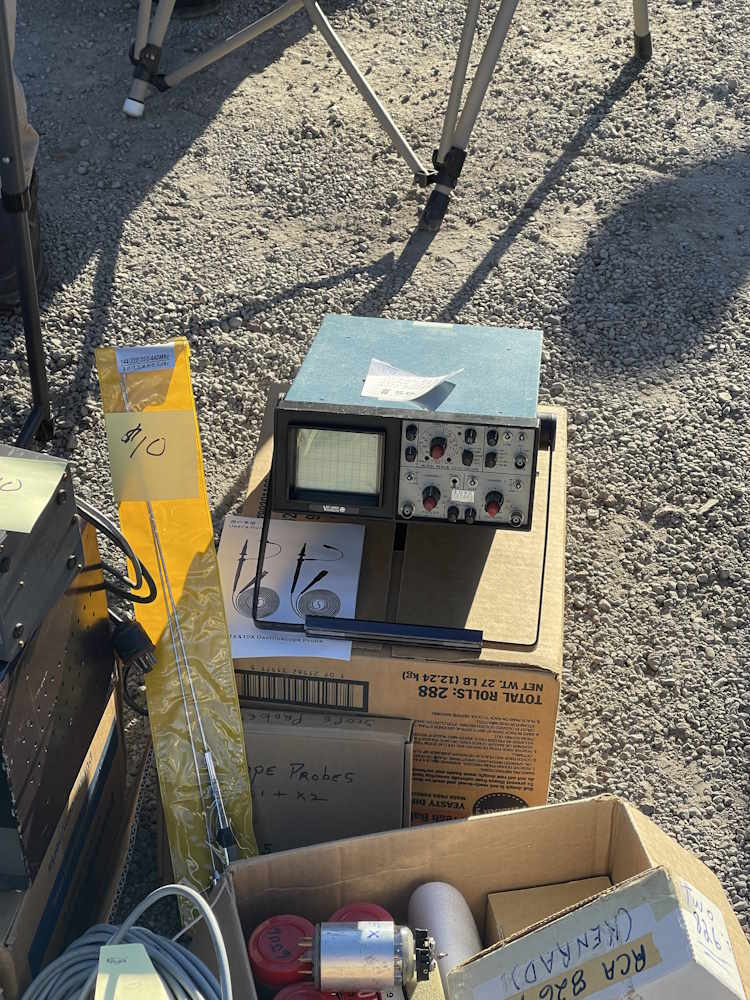
An unusual Conar (NRI) scope.
A Heathkit distortion analyzer.
Guaranteed defective.
I think this has eleven tubes.
A table full of unpriced equipment.
One of those old VFD card games. I took it home.
An excellent condition old HP signgen.
A Heathkit power inverter. 25A input!
I don't need another VOM.
This device is in it's home town.
This tube devices power supply.
Surprise, radios!
Some Heathkit meters.
There are at least 2.61 of these monitor scopes for every person on Earth.
You guessed it, radios!
This is a nice-looking radio.
We come to shows for piles of junk.
We have the power!
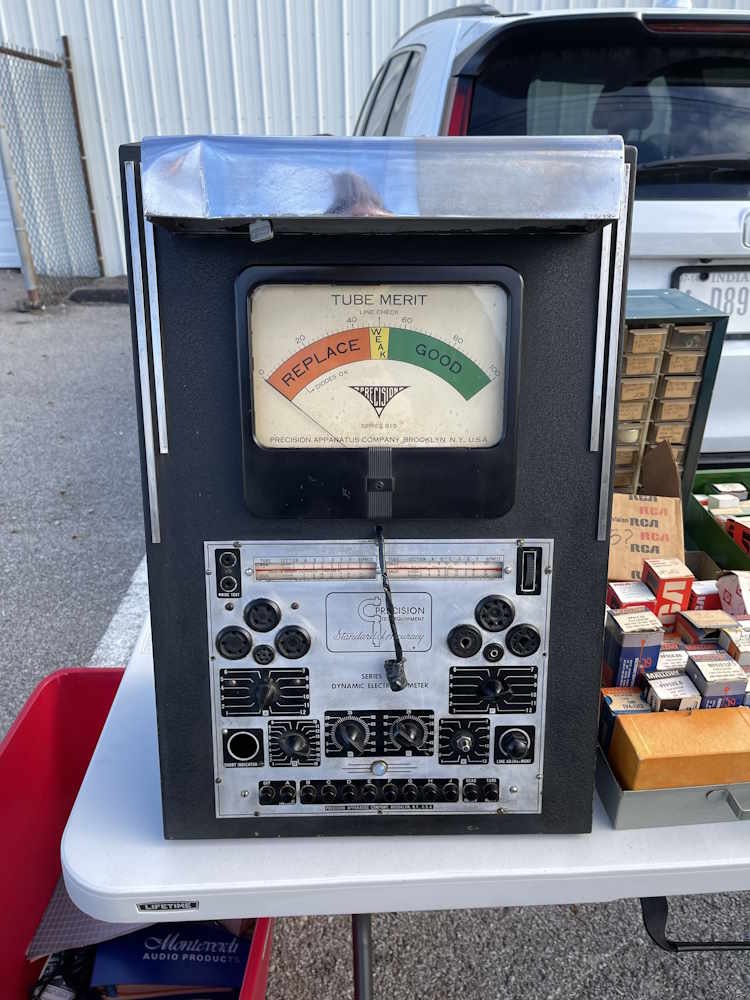
Got a line voltage? Measure it here!
When it needs to be soldered.
Just stuff.
More stuff. We like stuff.
A Zenith Trans-Oceanic in decent enough shape.
I always pick up a few things from here.
This isn't far from home.
Vu-Data made scopes for data centers.
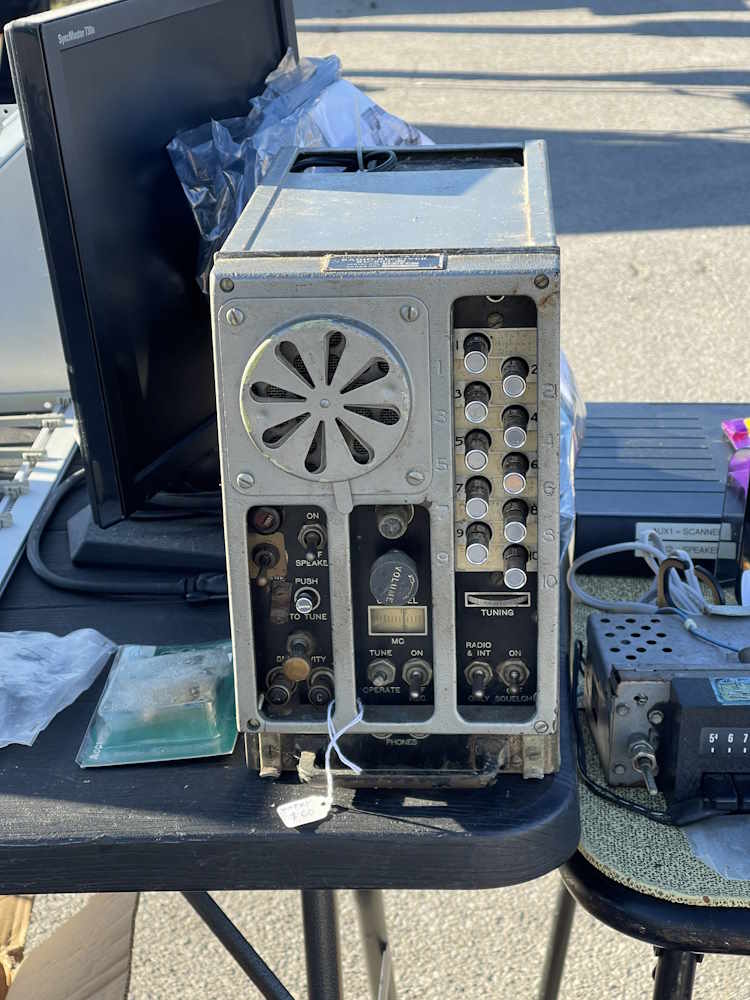
This interestingly strange radio.
Wire recorders are still fairly common.
Next show is the Early Television Museum’s fall swap, and the last one I’ll hit this year is probably MARC @ MAPS. See you there!
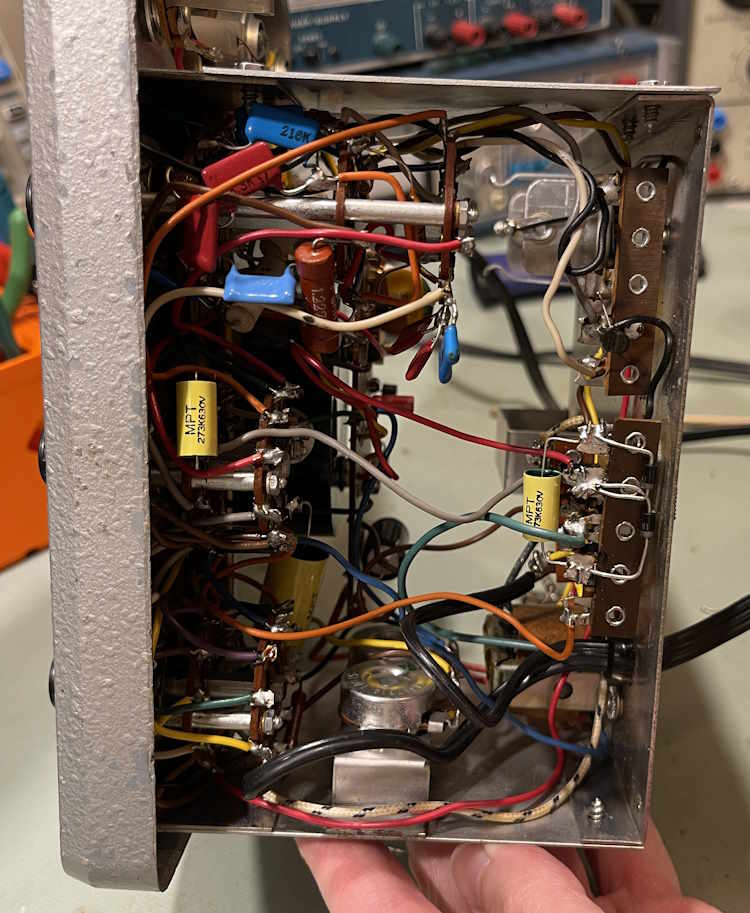
There are four more capacitors in the EICO 242 I’d like to replace before doing a calibration on it. Those are:
The main AC filter,
The two capacitors in the AC rectifier circuit,
The main AC input blocking capacitors.
There’s not much else to say, let’s get started.
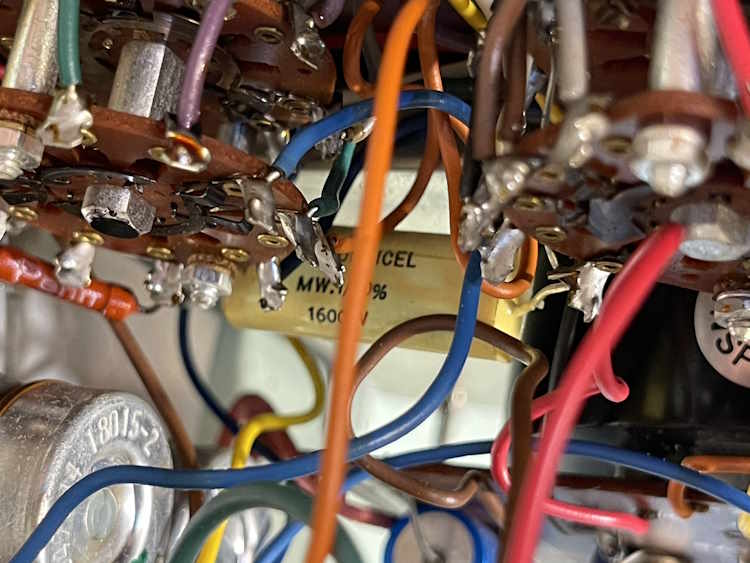
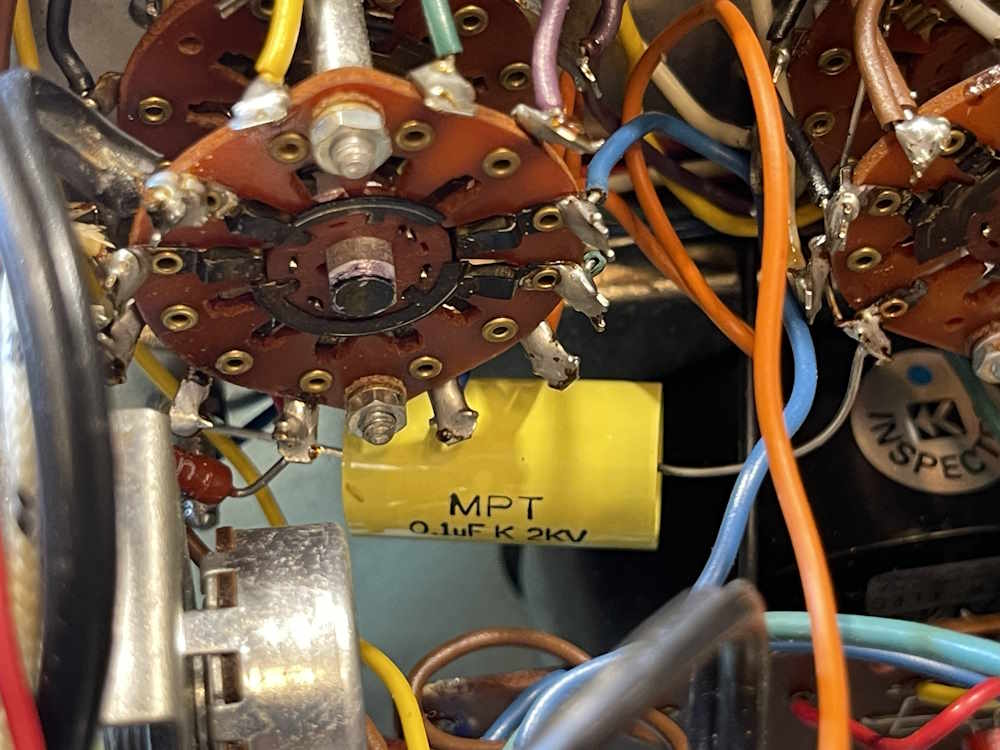
First is the AC blocking capacitor. It’s a hefty part, 0.1 @ 1600VDC. I have some new 2KV parts for this.
This one was kind of a pain in the butt to get out without messing up other wires.
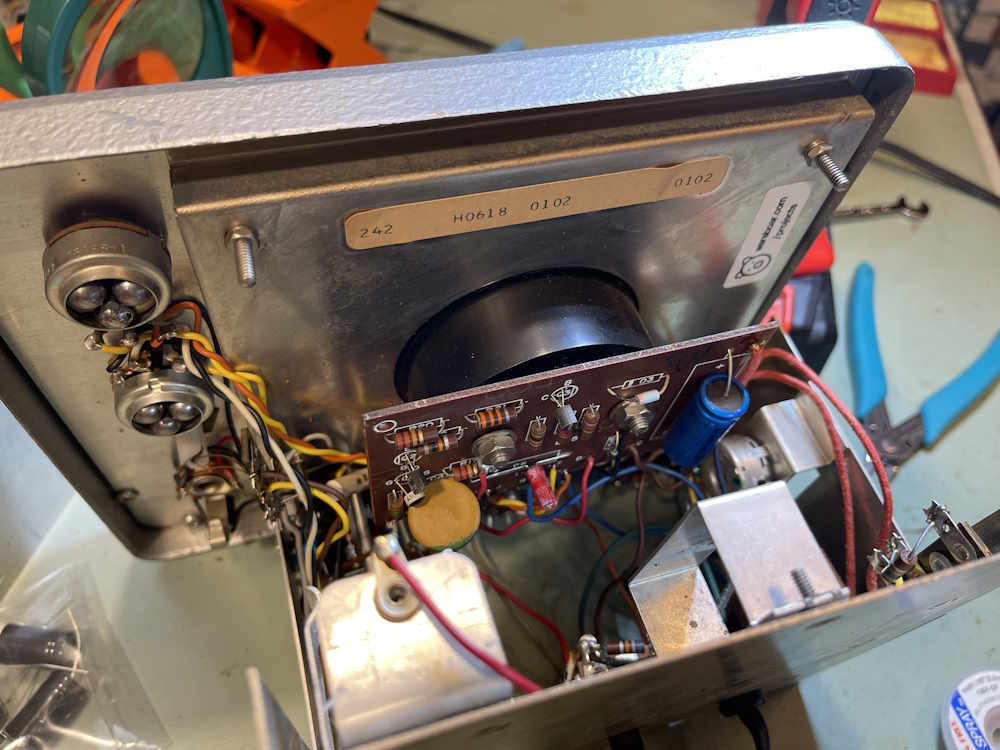
Next is the main filter. This was a matter of unbolting the board, unsoldering the capacitor, and replacing it. Not really that bad. It’s not defective, but it’s 50. Let’s get it out of there.
The old part is a 300μF @ 30V. I have 470μF at 50V. Now, this device has that as well. The old part was closer to 400μF, so we’re not far off from the new one at 460μF measured.
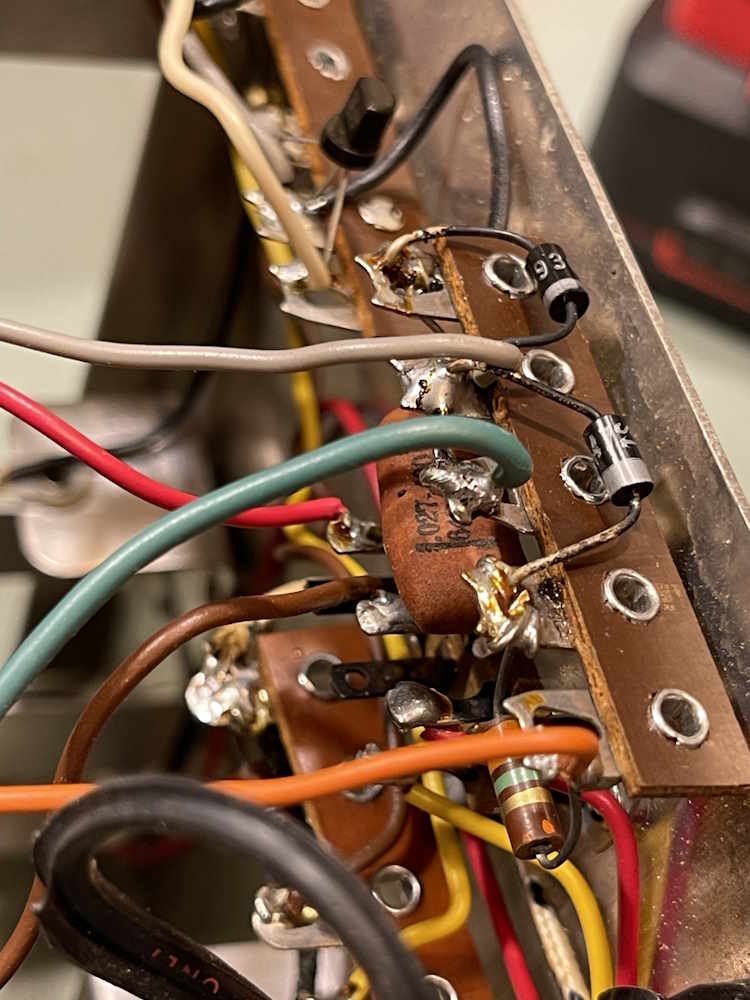
The last part(s) are the capacitors in the AC rectifier circuit. There are two, both 0.027μF ceramics. There’s also some diodes that I had to heat up to remove the capacitor.
Those diodes look like crap. I’ll re-do those at a later date.
Next up is the calibration. There are a few resistors in there that are off, so it’s not going to be 100% across all ranges. We’ll get to that at a later date. Stay tuned!